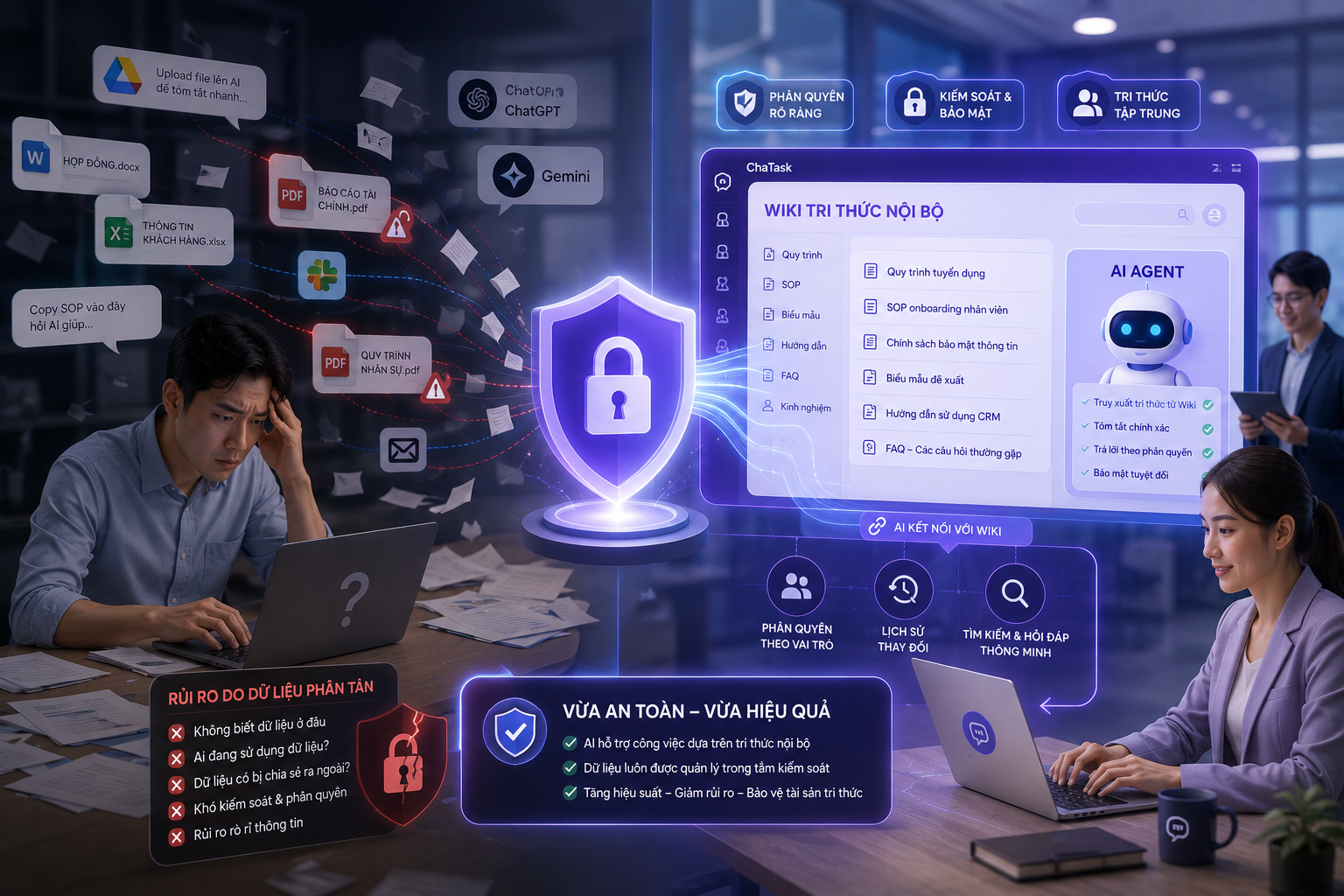
The Human Resources department creates more documents than almost any other team within an organization, yet it is often where documents become the hardest to find. Leave policies may be buried in an outdated Word document, onboarding procedures scattered across multiple instructional emails, timesheet templates stored on Google Drive, while compensation and benefits policies are known only to a handful of people. As a result, new employees feel overwhelmed during their first week, existing employees repeatedly ask HR the same questions, and HR teams spend a significant portion of every day simply answering questions they have already answered countless times before.
ChaTask's Wiki module—an AI-powered enterprise knowledge hub—was built to solve exactly this challenge. For HR teams, Wiki is more than just a document repository. It transforms policies and procedures into a self-service knowledge system that every employee can access directly within ChaTask.
Step 1: Build Knowledge Bases for Different HR Topics
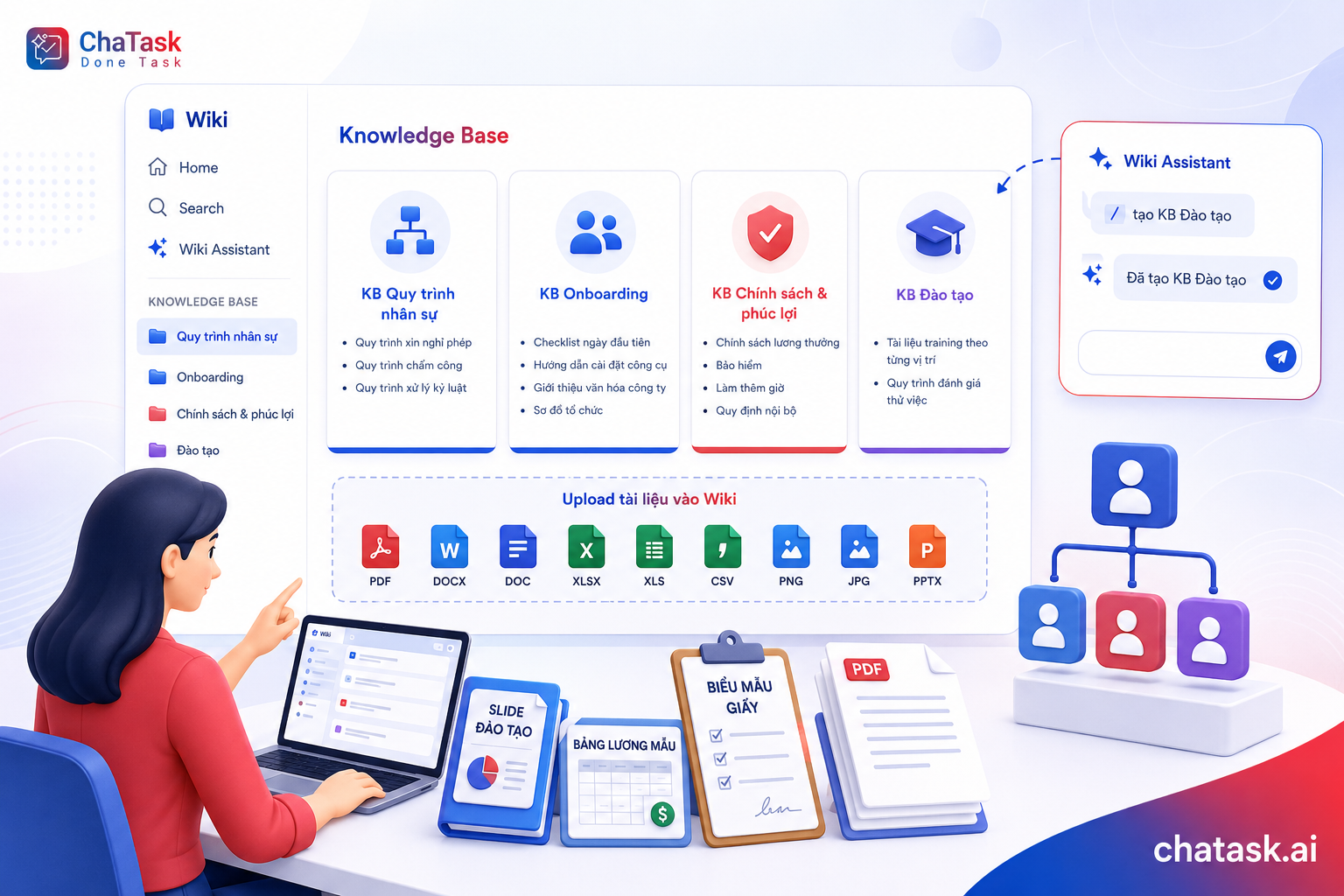
Instead of storing every document in a single location, HR should organize Wiki into separate Knowledge Bases (KBs) based on different topics, for example:
HR Processes KB
-
Leave request procedures
-
Timekeeping procedures
-
Disciplinary procedures
Onboarding KB
-
First-day onboarding checklist
-
Tool setup guides
-
Company culture introduction
-
Organizational chart
Policies & Benefits KB
-
Salary and bonus policies
-
Insurance policies
-
Overtime regulations
-
Internal policies
Training KB
-
Training materials for different job roles
-
Probation evaluation procedures
Knowledge Bases can be created directly from the Wiki menu or even faster through Wiki Assistant by simply typing "/" in the chat input. Wiki supports uploading many file formats commonly used by HR, including PDF, DOCX, DOC, XLSX, XLS, CSV, PNG, JPG, and PPTX. This means training slides, payroll templates, or scanned paper forms can all be uploaded directly into Wiki without any file conversion.
Step 2: Let Employees Search Policies Using Wiki QA Bot
This is where the biggest operational change happens.
Instead of messaging HR with questions like:
"How do I apply for leave?"
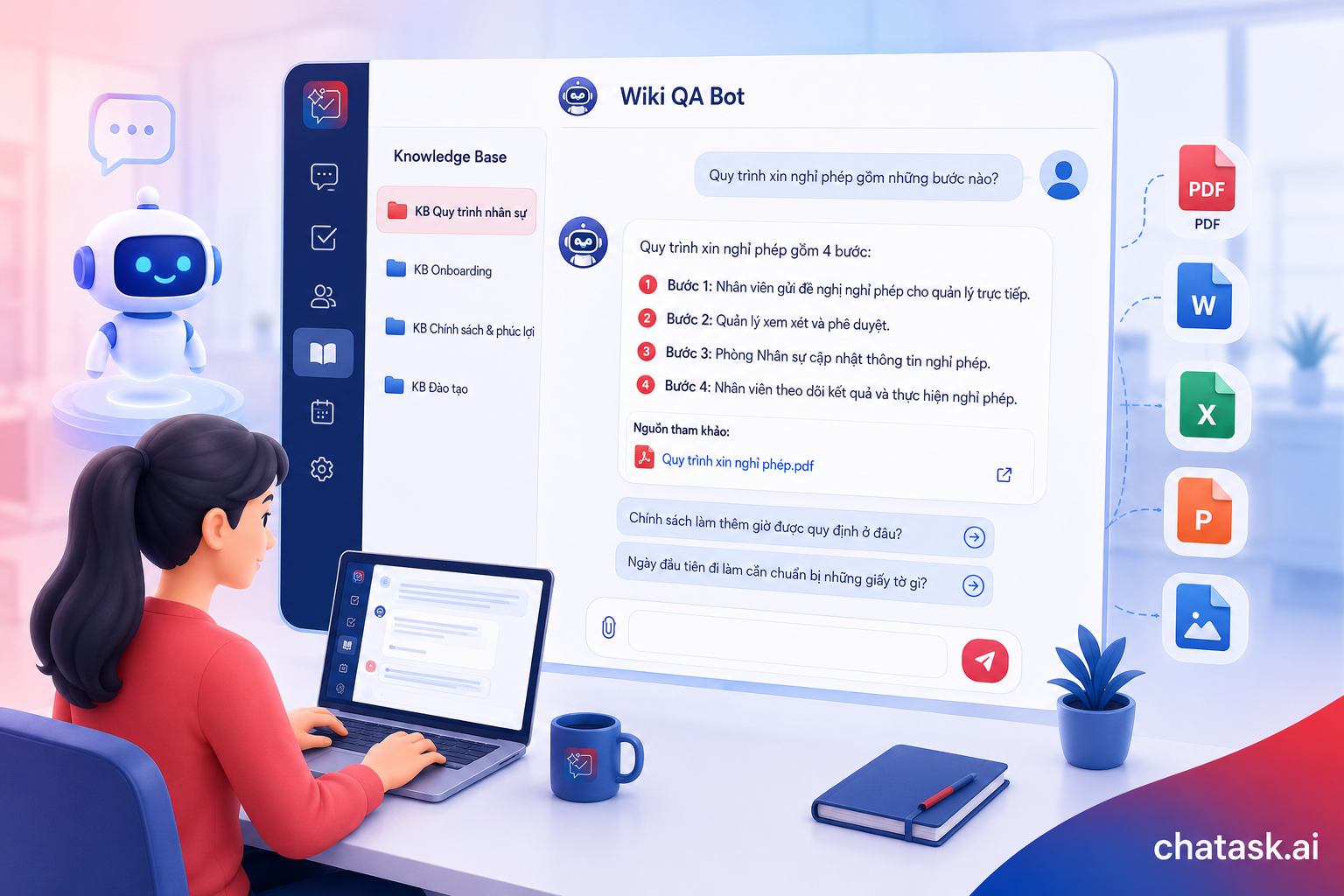
Employees simply open Wiki QA Bot in ChaTask, select the appropriate Knowledge Base (for example, the HR Processes KB), and ask questions in natural language:
-
"What are the steps for requesting leave?"
-
"Where can I find the company's overtime policy?"
-
"What documents do I need to prepare on my first working day?"
Wiki QA Bot answers directly based on the uploaded documents, while also providing citations and references to the original source materials so employees can easily open and read the complete document whenever needed.
For broader or more complex questions, employees can continue asking follow-up questions to explore the topic in greater depth—just like having a conversation with the HR department, except the bot is available 24/7 and is never "in a meeting."
For onboarding specifically, Wiki QA Bot becomes a virtual HR assistant for new hires. Instead of waiting for their buddy or manager to become available, new employees can find the information they need during their very first week, reducing uncertainty while allowing HR to avoid repeating the same onboarding explanations for every new hire.
Step 3: Monitor HR Data with Wiki DA Bot
Besides answering policy-related questions, HR teams frequently need quick access to workforce data for reporting and decision-making, such as employee headcount by department, turnover rates, or quarterly recruitment progress.
This is where Wiki DA Bot comes in.
Simply select the Knowledge Base containing the relevant data (for example, an Excel spreadsheet of employee records) and ask questions in natural language, such as:
-
"Show employee headcount by department."
-
"Analyze workforce changes by month."
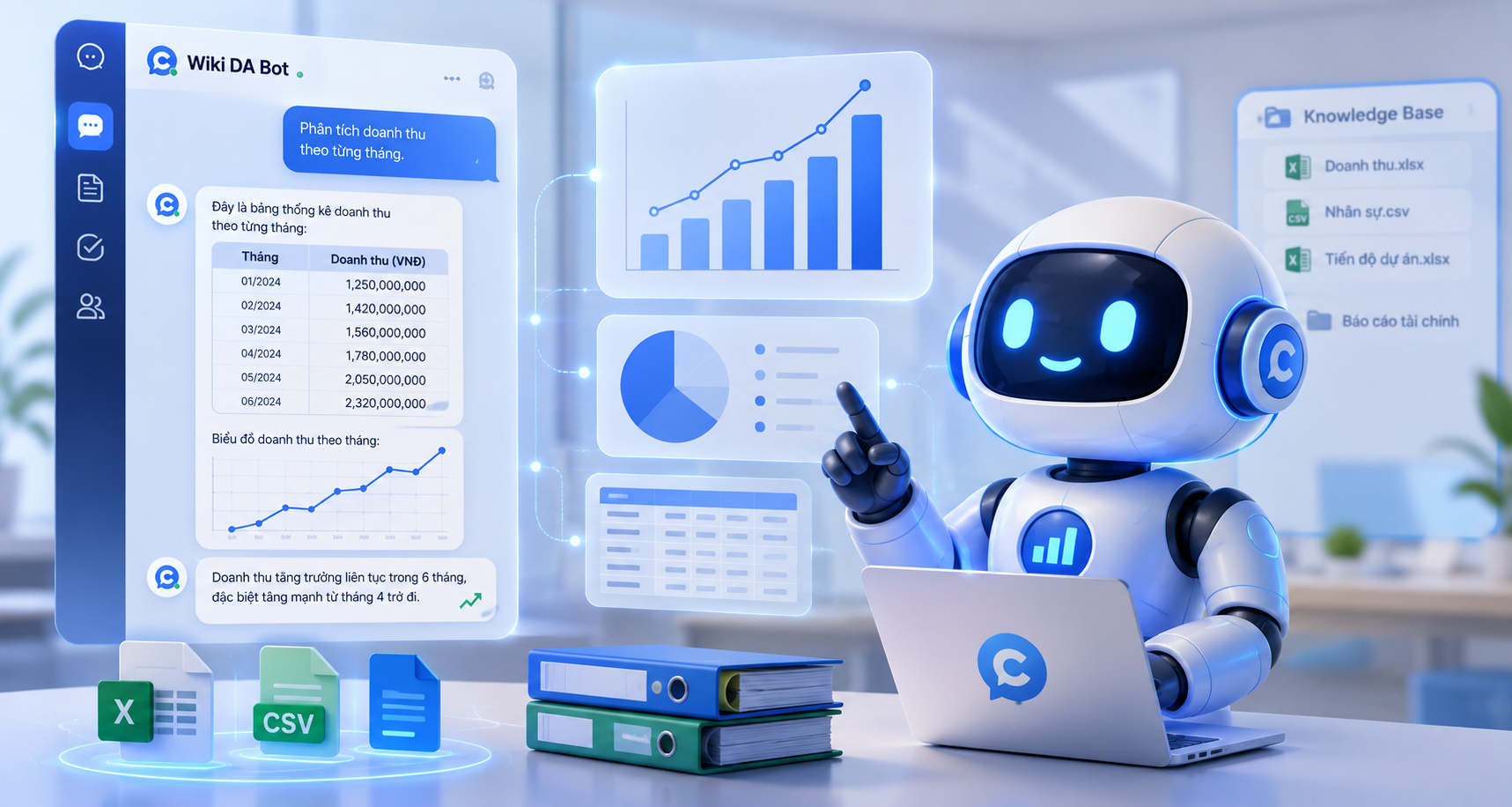
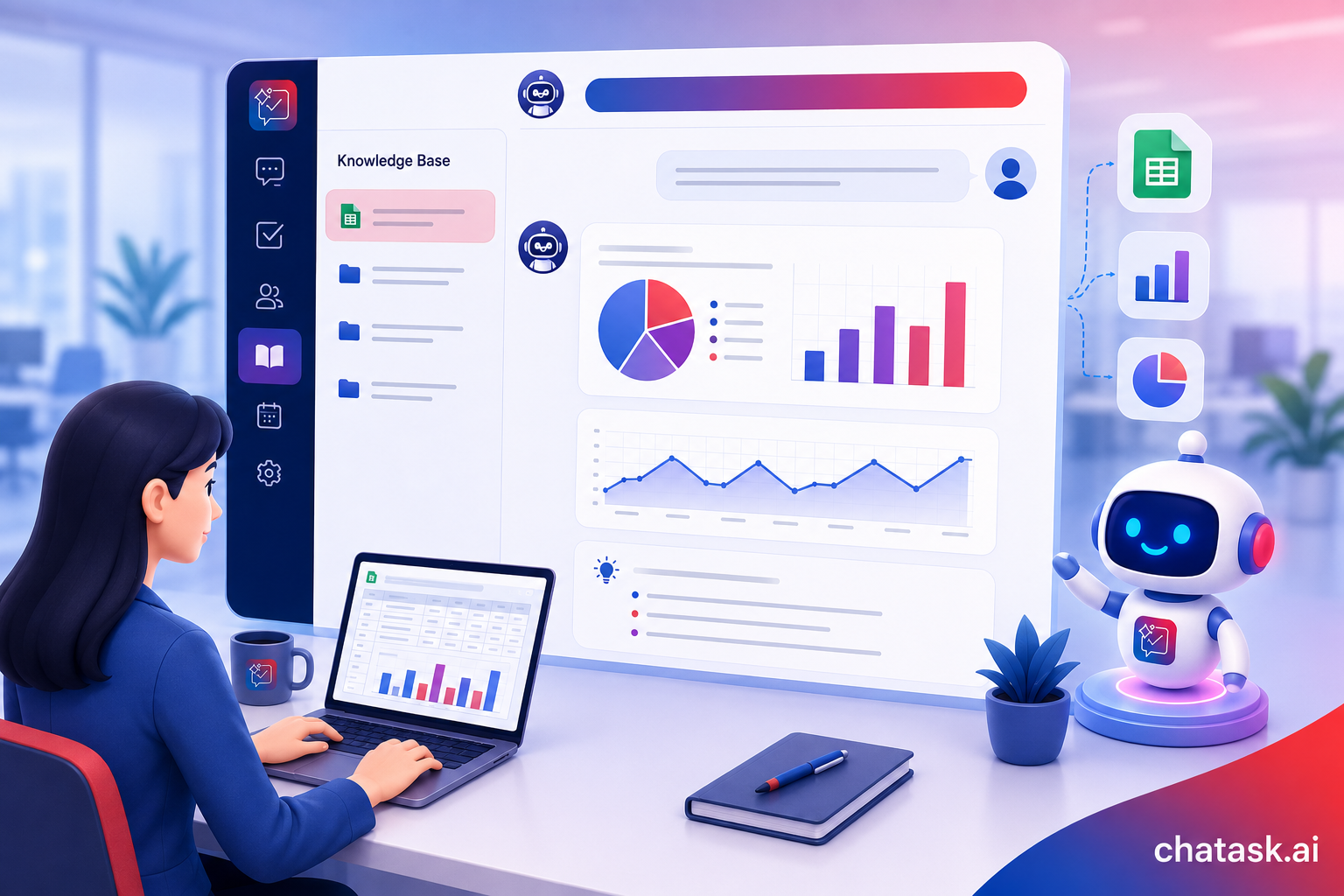
Wiki DA Bot automatically analyzes the data, generates summary tables, visualizes results with charts when appropriate, and provides accompanying insights. HR teams can instantly obtain the information needed for management reports without manually working through Excel spreadsheets.
Step 4: Turn Documents into Tasks, Not Just Storage
An onboarding checklist or an employee offboarding procedure is only valuable when it is actually executed—not when it simply sits inside a document.
ChaTask Wiki allows users to create Tasks directly from documents, procedures, and guidelines stored within a Knowledge Base.
As a result, an onboarding checklist can immediately become a series of actionable tasks assigned to the appropriate owners—for example, IT prepares the employee's computer, HR sends the employment contract, and the direct manager schedules an introductory meeting. All progress can then be tracked directly within ChaTask, eliminating the need for a separate task management system.
Step 5: Control Access to Sensitive HR Data
Not every HR document should be accessible to everyone in the organization. Payroll records, performance evaluations, and disciplinary procedures are examples of sensitive information that should only be viewed by authorized personnel.
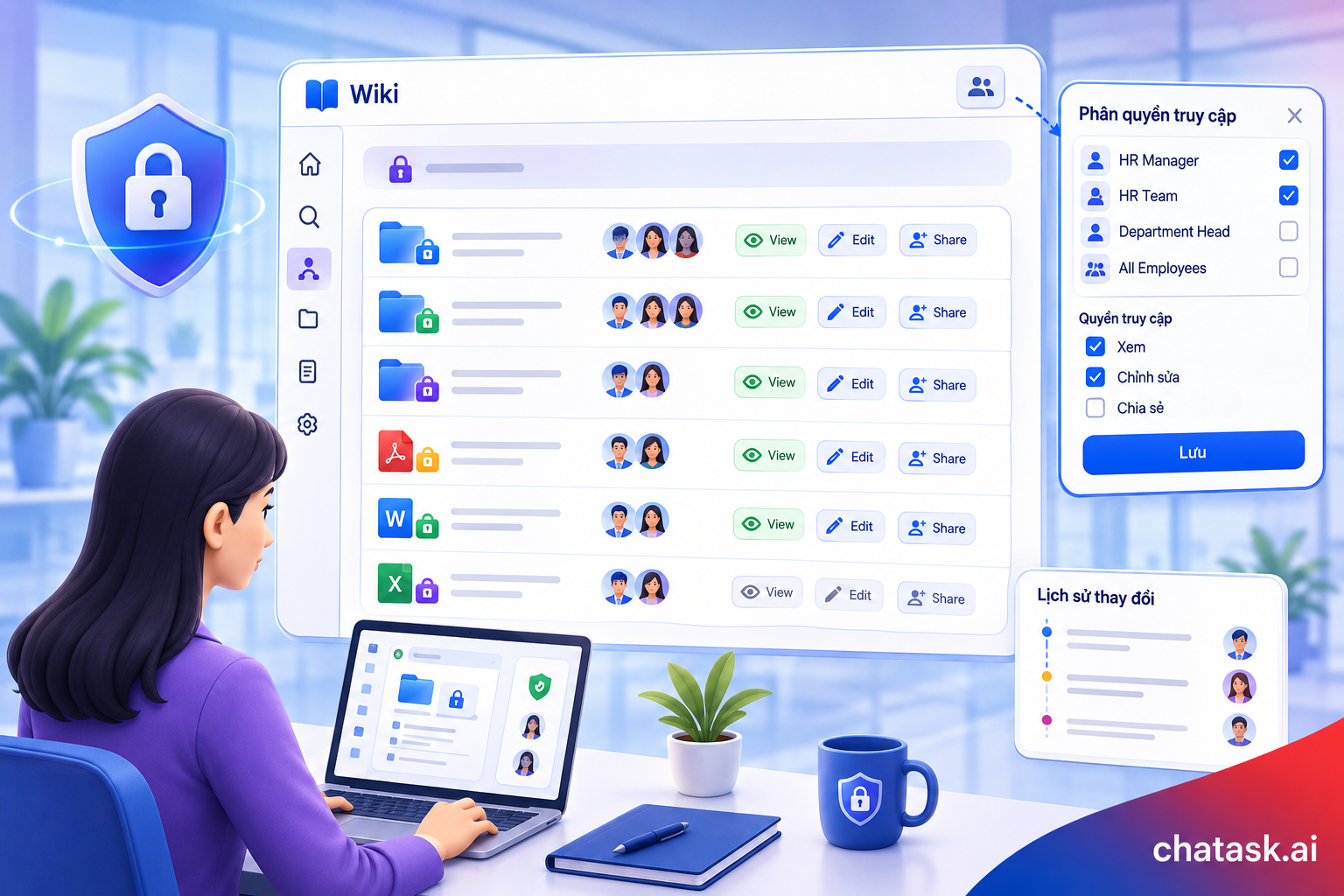
Wiki supports permission management at the Workspace, Project, and individual user levels, allowing organizations to control viewing, editing, and sharing permissions while maintaining a complete history of document changes.
This enables HR teams to digitize their knowledge while ensuring that sensitive information remains accessible only to the people who are authorized to view it.
Benefits of Using Wiki for HR
Reduce repetitive work
HR no longer needs to answer the same policy-related questions over and over again.
Faster and more consistent onboarding
New employees across every department receive the same standardized onboarding experience instead of relying on whoever happens to guide them.
Preserve organizational knowledge
Policies and procedures are stored and maintained in a centralized location, eliminating situations where "only one HR employee knows how this process works."
Make data-driven decisions
Wiki DA Bot provides instant workforce analytics to support management reporting and workforce planning.
Protect sensitive information
Granular permission controls allow organizations to digitize HR data while maintaining strict control over who can access what.
Conclusion
For HR departments, ChaTask Wiki is much more than a replacement for Google Drive. It is a living knowledge system where policies and procedures are always available for search, can be transformed into actionable tasks, and remain protected through comprehensive access control.
It is an ideal solution for organizations looking to accelerate onboarding, reduce the workload of HR teams, and preserve HR knowledge within the organization instead of letting it disappear when individual employees leave.