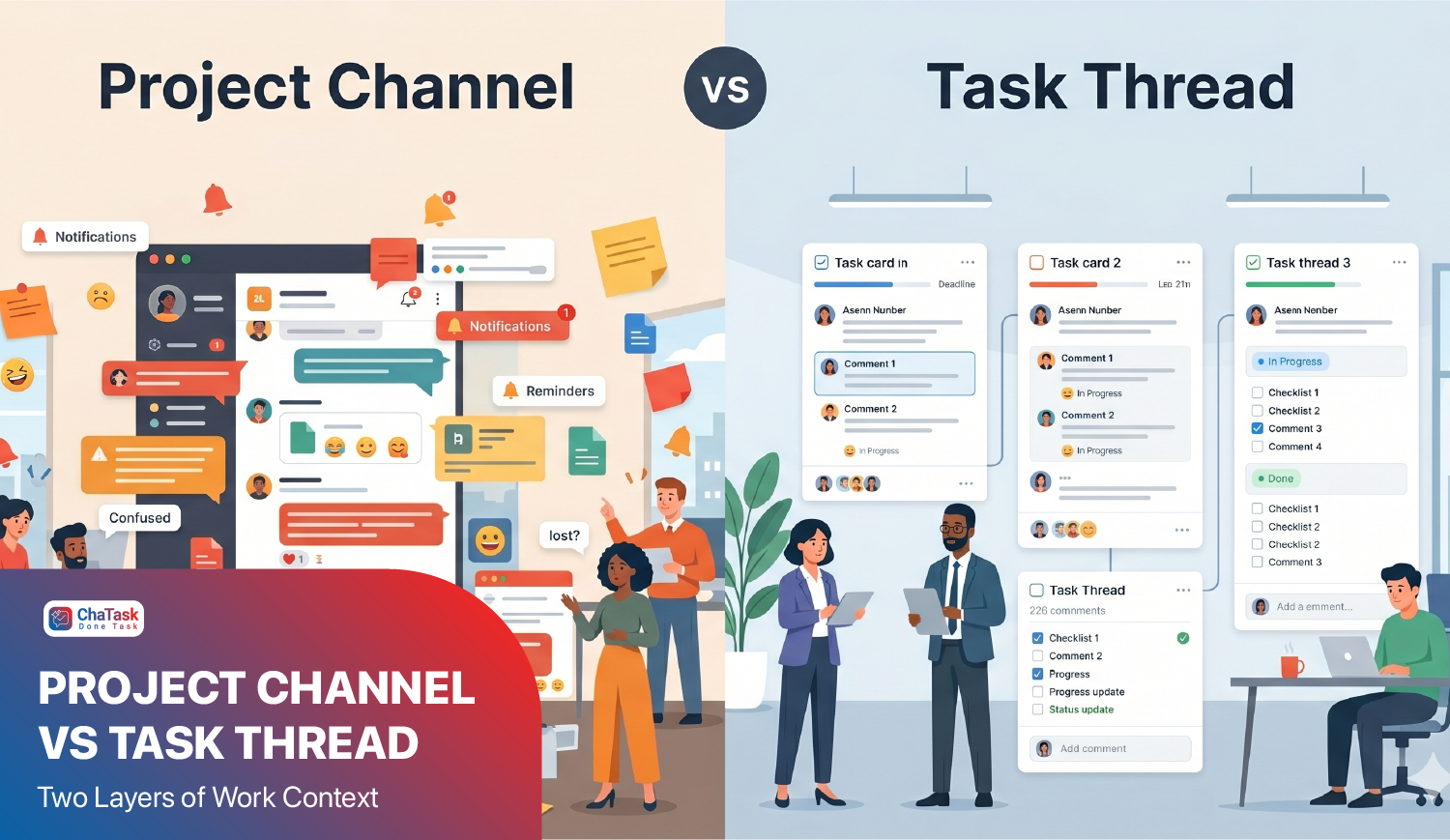
A project plan. A contract. A meeting record. Or simply a few photos from a work report.
All of them are shared quickly through chat applications. But when it's time to access them again, many people are greeted by a familiar message:
"This file can no longer be downloaded."
It's only a short notification, but what follows is often a chain of interruptions.
-
"Does anyone still have that file?"
-
"Can you send me the latest version again?"
-
"Is this the most up-to-date version?"
Sometimes, an entire meeting comes to a halt simply because everyone is... trying to find the document again.
Documents May Not Be Lost, But Their Context Is
In reality, the problem is not just that the file can no longer be downloaded. Even when someone manages to find it, they may no longer remember why it was shared, what discussion it referred to, or whether it is actually the latest version.
When documents exist only within chat history, important information gradually gets buried beneath thousands of newer messages. The longer an organization works, the longer its chat history grows - and the harder it becomes to retrieve the right document at the right time.
That is why many businesses still spend a surprising amount of time on seemingly trivial tasks such as asking colleagues to resend files or confirming which version is the correct one.
Sharing Files Doesn't Mean Managing Documents
Most chat applications are designed to help people communicate faster. But businesses need more than communication. They also need a way to manage documents, preserve organizational knowledge, and ensure that the right information is always available when needed.
That's why ChaTask is built to do more than simply send and receive files.
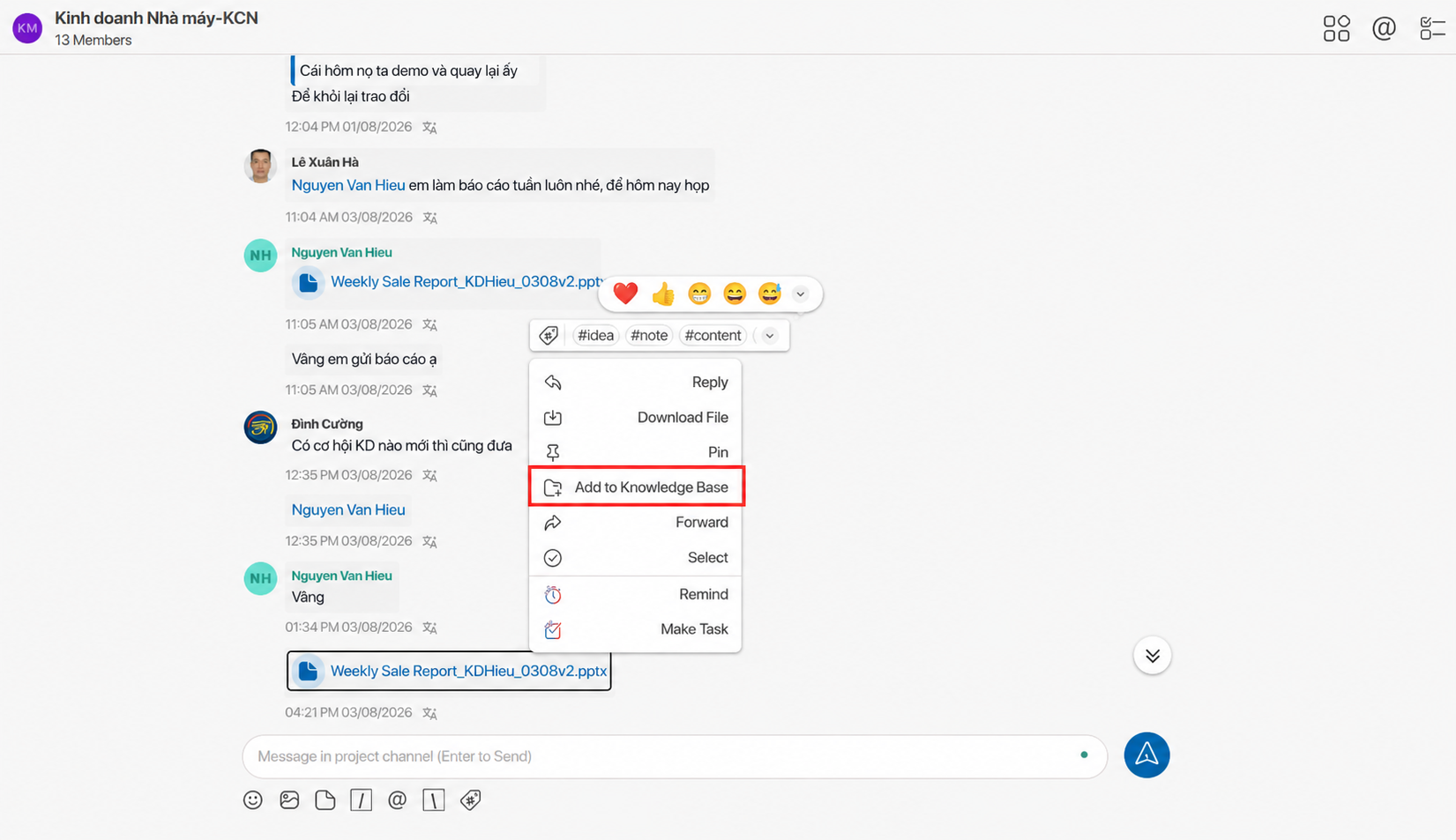
Every document shared within a Project or Channel is automatically organized in the Files section. Instead of scrolling through thousands of chat messages, users can simply open the file list and locate exactly what they need.
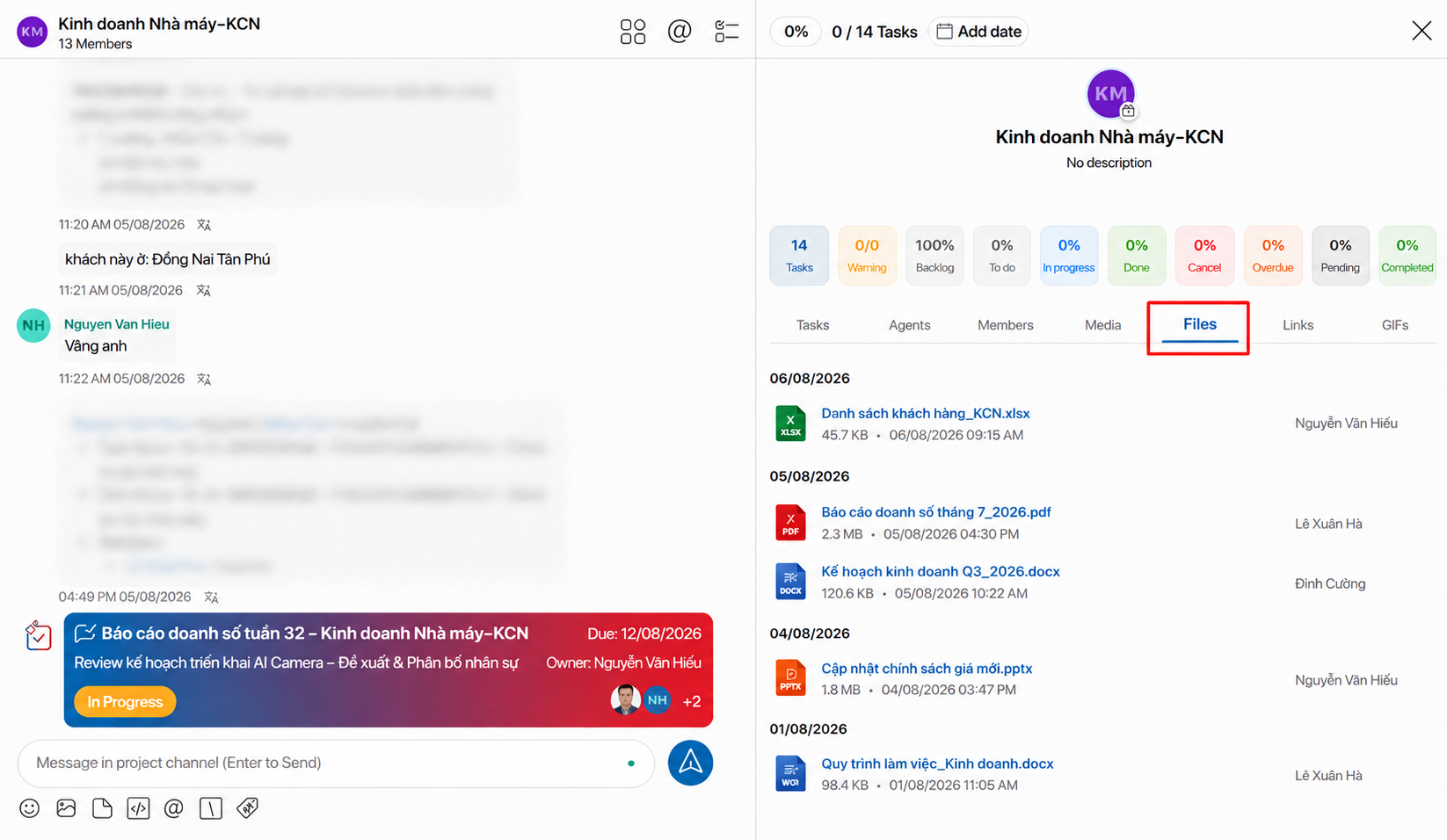
More importantly, each file remains connected to its working context. With just one click, users can jump back to the exact conversation where the document was shared, review the discussions before and after it, and immediately understand the context surrounding that file.
Important Documents Shouldn't Live Only in Chat
During daily operations, some documents need more than just storage - they need to become part of the organization's shared knowledge.
Examples include workflows, SOPs, templates, training materials, and internal guidelines. If these documents remain buried in chat history, the organization continues to rely on individual employees' memory.
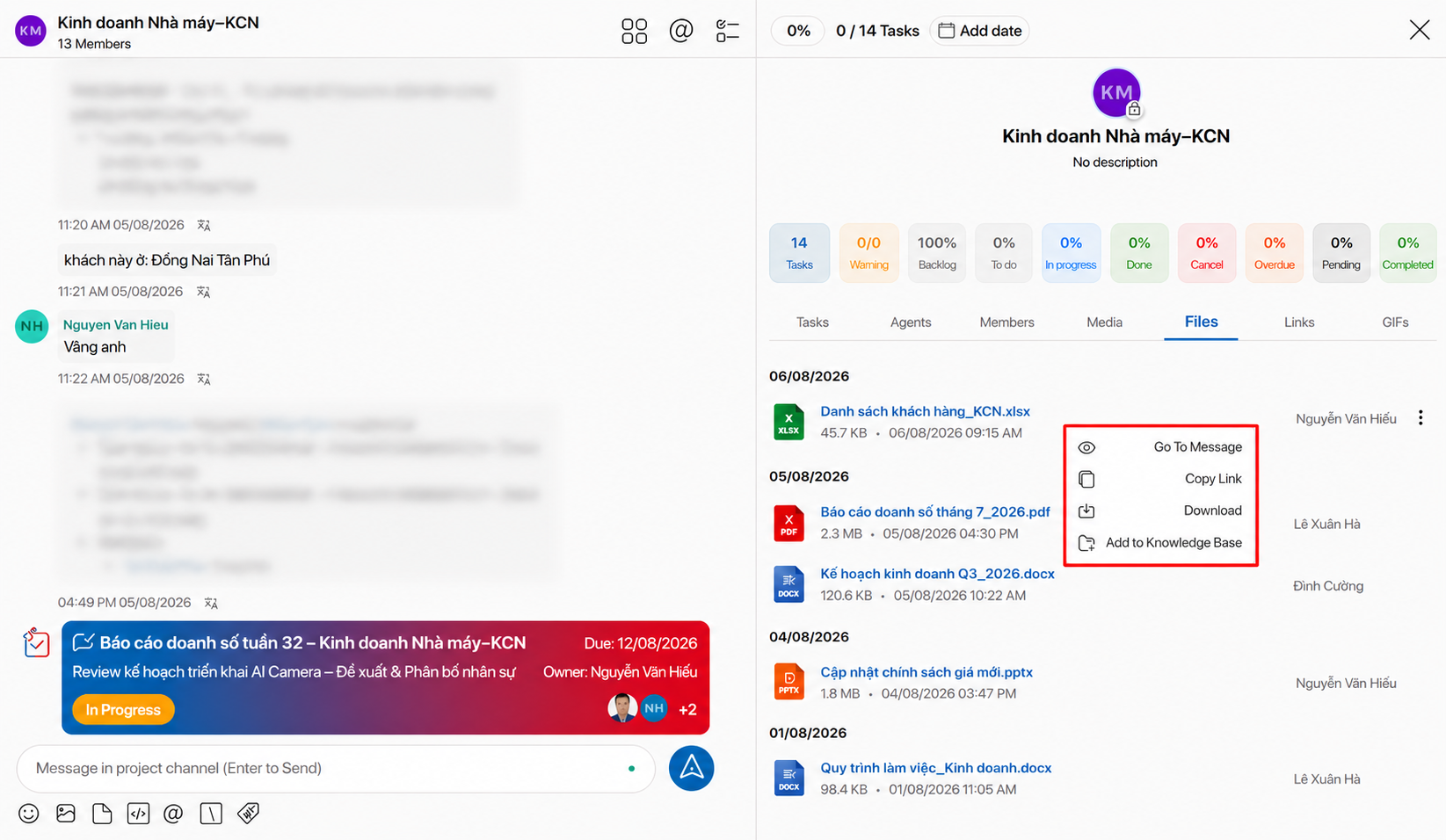
With ChaTask, a simple Add to Knowledge Base action transforms a document into organizational knowledge. AI can then read, search, and answer questions based on these documents without requiring employees to dig through old conversations.
Over time, businesses don't just accumulate more documents - they build a Second Brain, where knowledge is preserved, connected, and continuously reused instead of being lost after every conversation.
Work Reports Need Images and Context Together
Another common situation occurs when reporting site inspections, project progress, or quality checks.
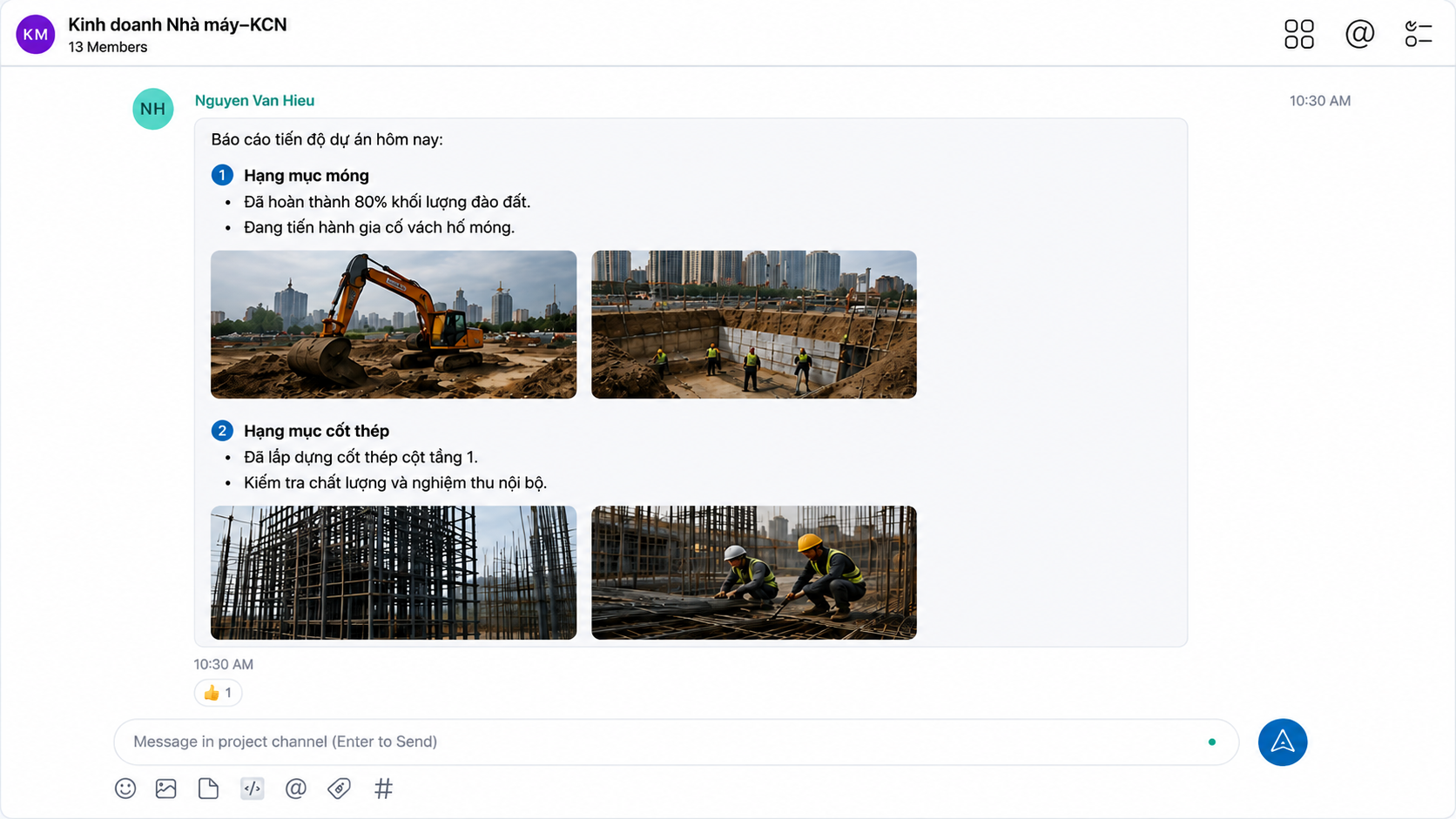
Many people send a series of images first and only afterward write a block of descriptive text. When someone reviews the conversation later, it becomes difficult to determine which description belongs to which image. Even a small misunderstanding can lead to incorrect conclusions or unnecessary back-and-forth communication.
ChaTask allows users to send multiple groups of images and text within a single message. Every description stays paired with its corresponding image, making the context immediately clear. This is especially valuable for technical reports, project acceptance, quality inspections, and day-to-day operational reporting.
AI Is Only Truly Intelligent When It Has the Right Context
Many organizations are adopting AI to help search for information and answer questions. However, if data remains scattered across chat history, AI also struggles to understand the context or locate the right document.
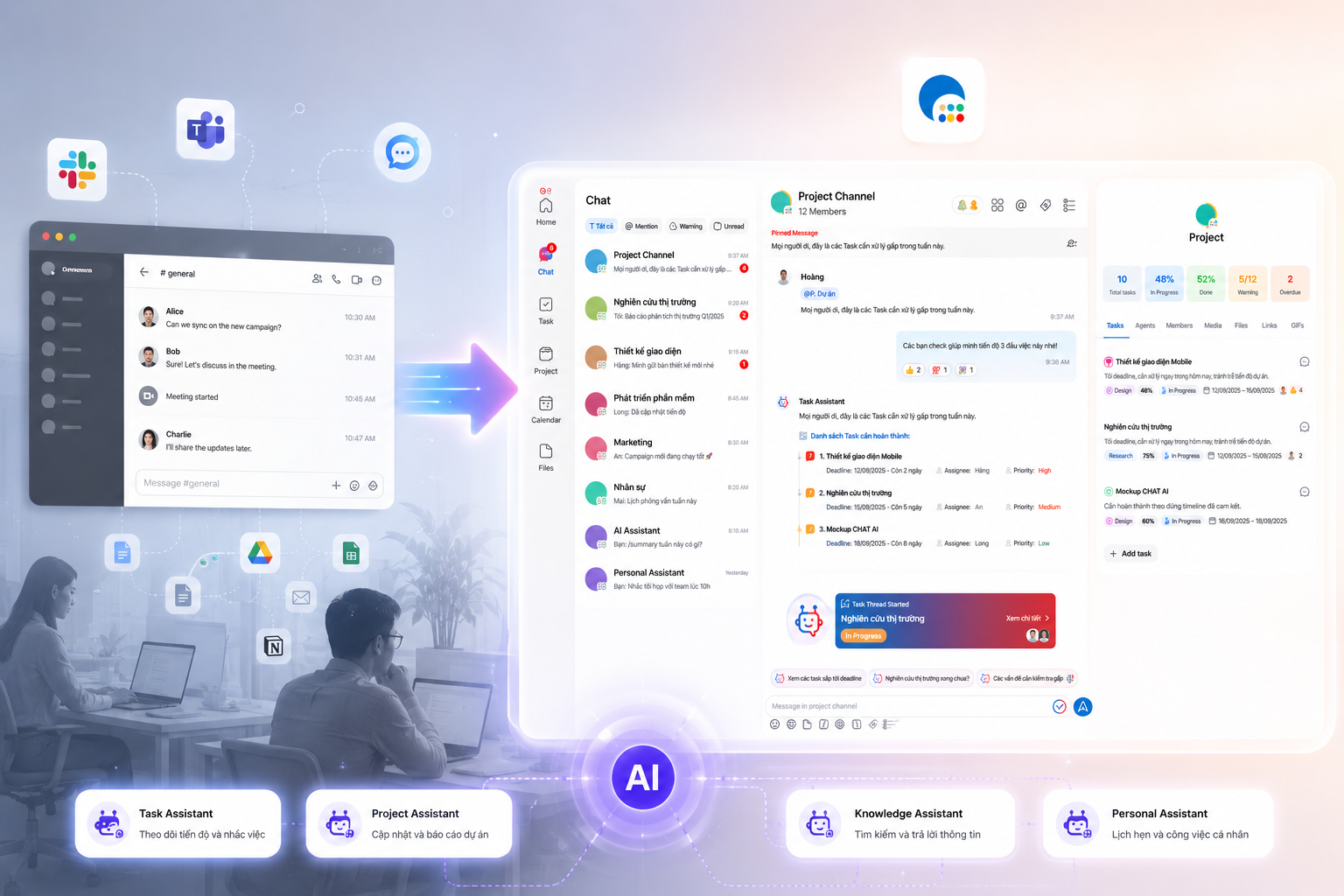
That is why ChaTask is designed as an AI Workspace, where conversations, tasks, documents, and organizational knowledge are connected within a single workspace.
A conversation can become a task. A document can become organizational knowledge. A discussion that happens today can still be found and understood by AI months later.
Because what businesses need is not simply a place to share files - they need a place where they will never have to start over by searching for them again.