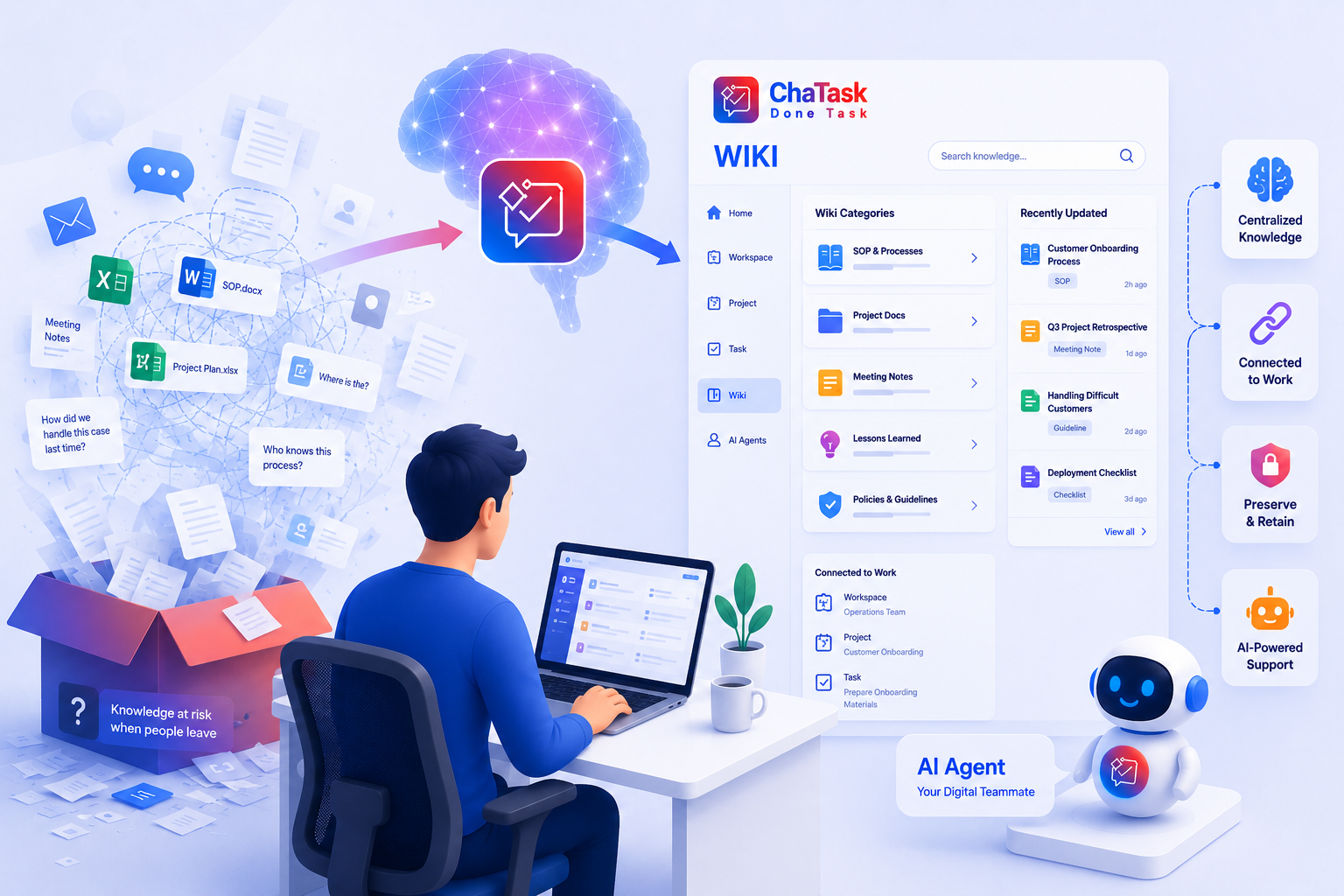
Have you ever needed to look up a leave request process, an overtime policy, or a machine operating SOP, only to spend ages trying to remember where the file was stored among hundreds of Word, Excel, and PDF documents scattered across Google Drive, Zalo, or email?
In the end, you probably had to message a colleague and wait for a reply. This is a common challenge in many organizations: the knowledge exists, but it's scattered and poorly organized, making every search a time-consuming manual task.
Wiki, one of ChaTask's core modules, was built to solve exactly this problem. It serves as an AI-powered enterprise knowledge hub, bringing together your processes, documents, guidelines, and operational data into a single centralized repository. At the heart of this knowledge hub is Wiki QA Bot - the AI assistant that helps you instantly access the information you need, exactly when you need it.
What is Wiki QA Bot?
Wiki QA Bot is an AI-powered question-answering assistant built directly into ChaTask's Wiki.
The best part is that you don't need to learn any special syntax or search keywords. Simply chat with the bot using natural language - just as you would ask a colleague - and it will understand your question, then generate an answer directly from the Knowledge Bases (KBs) you have permission to access.
In other words, instead of typing isolated keywords and browsing through dozens of search results like you would with Google, you can ask complete, context-rich questions as if you were having a conversation with your company's internal knowledge base.
Using Wiki QA Bot in Just 3 Steps
Step 1: Start a conversation with Wiki QA Bot
Click the Knowledge Base icon located below the message input box to begin chatting with the bot.
Step 2: Select the Knowledge Base(s) as your data source
You can choose one or multiple Knowledge Bases for the bot to search simultaneously. For example, you can combine both the "HR Procedures" KB and the "Internal Policies" KB when asking a single question.
Step 3: Chat with the bot using natural language
No complicated syntax or precise keywords are required. Simply type your question naturally into the chat box, for example:
-
"What are the steps for submitting a leave request?"
-
"Where is the company's overtime policy documented?"
-
"What is the SOP for operating the packaging machine?"
Wiki QA Bot will search across all selected Knowledge Bases and provide:
-
A concise, well-structured answer focused on your question
-
Citations to the relevant source documents so you know where the information came from
-
Reference links that allow you to quickly open the original documents whenever needed
After receiving the first answer, you can continue asking follow-up questions to explore the topic further, just like having an ongoing conversation with your enterprise knowledge base.
Before Asking Questions, You Need the "Raw Material": Knowledge Bases
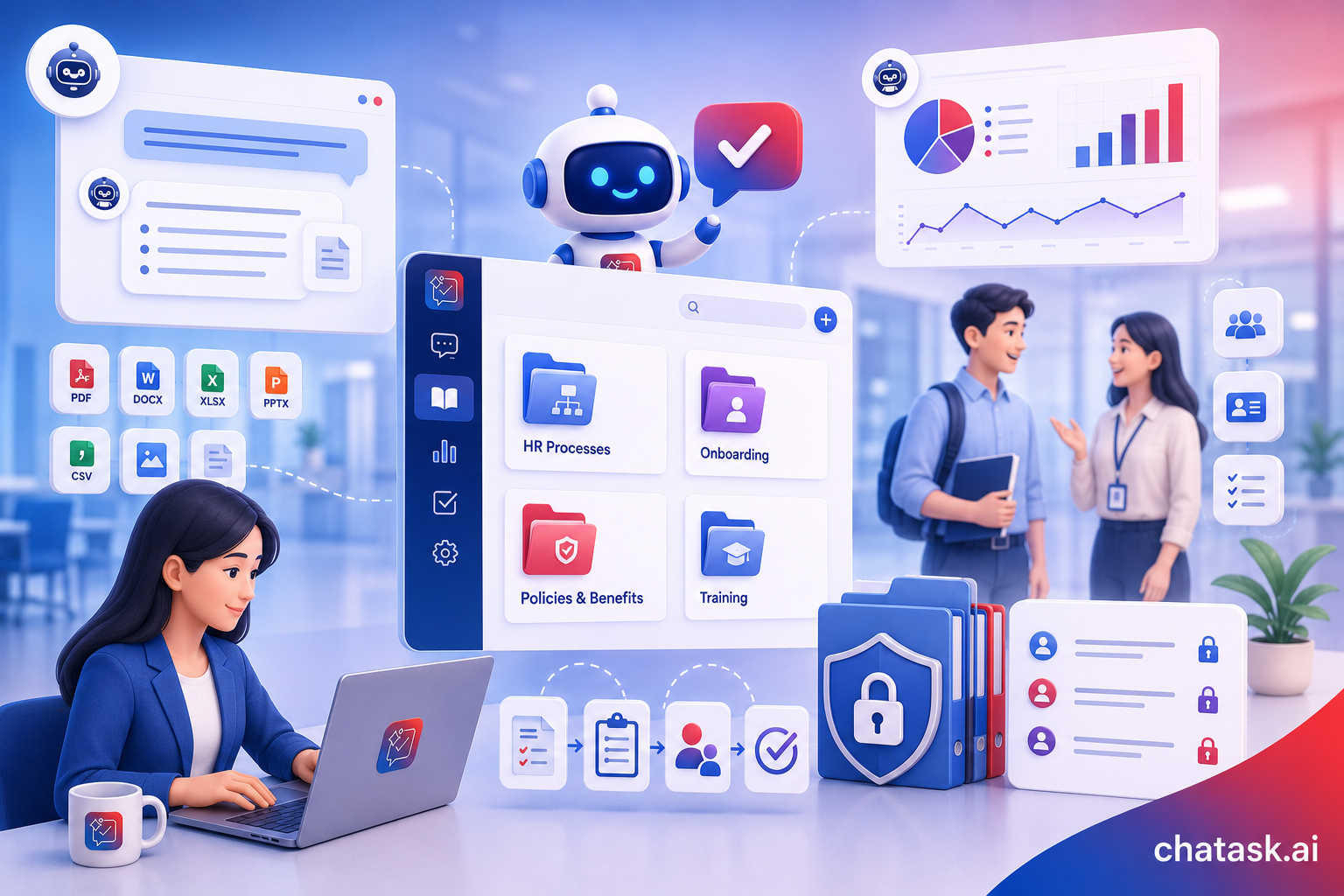
To deliver accurate answers, Wiki QA Bot relies on Knowledge Bases that your organization creates beforehand. These Knowledge Bases store documents organized by topic or business function, such as HR procedures, manufacturing SOPs, internal regulations, training materials, or user manuals.
Knowledge Bases can be created directly from the Wiki menu, or even faster by using Wiki Assistant with the "/" command directly in the chat box. Wiki supports a wide range of document formats, including PDF, DOCX, DOC, XLSX, XLS, CSV, PNG, GIF, JPG, and PPTX. Multiple files can be uploaded simultaneously, after which the system automatically processes them and notifies you when they are ready for AI-powered search and retrieval.
Why Does Wiki QA Bot Make a Difference for Businesses?
1. Ask questions in natural language and find the right information within seconds
No more trying to remember file names, folder structures, or asking coworkers, "Where was that process document again?"
Simply chat with the bot as if you were messaging a real person. Instead of matching keywords like traditional search engines, the bot understands the context behind your question.
2. Consolidate information from multiple documents at once
If the answer is spread across several documents, Wiki QA Bot can synthesize the relevant information into one coherent response, eliminating the need to manually piece everything together yourself.
3. Keep knowledge connected to real work
Because Wiki is tightly integrated with Workspaces, Projects, Tasks, and AI Agents inside ChaTask, knowledge never becomes disconnected from the actual work context. This makes project handovers much smoother and helps prevent knowledge loss when employees change roles or leave the organization.
4. Shorten onboarding time and reduce repeated mistakes
New employees no longer need to rely on word-of-mouth explanations for internal processes. Instead, they can find answers directly inside ChaTask. Organizational knowledge and best practices become standardized and reusable, making it easier to scale the business without losing valuable expertise.
5. Secure access with granular permissions
Wiki QA Bot only answers questions using the Knowledge Bases that each user is authorized to access. It fully respects ChaTask's permission model across Workspaces, Projects, and individual users, ensuring sensitive information remains protected and accessible only to authorized personnel.
Wiki QA Bot vs. Wiki DA Bot: Don't Confuse These Two AI Assistants
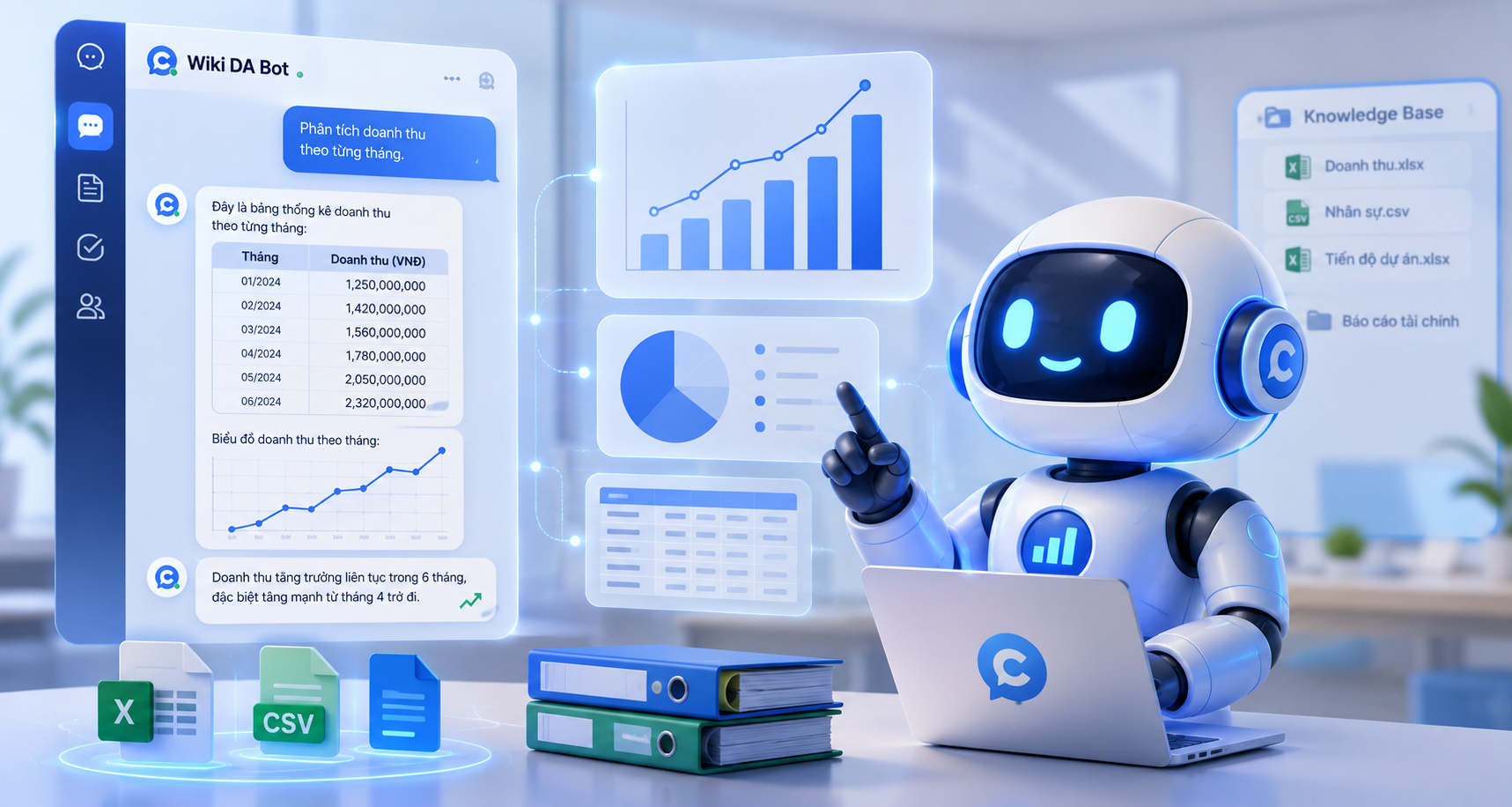
In addition to Wiki QA Bot, which specializes in answering text-based questions, ChaTask also provides Wiki DA Bot, an AI assistant designed for data analysis.
While Wiki QA Bot excels at answering questions such as "What is the process?" or "Where can I find this policy?", Wiki DA Bot is built for quantitative tasks like "Analyze monthly revenue," "Count employees by department," or "Generate charts from data stored in documents."
Together, these two AI assistants complement each other, transforming Wiki from a static document repository into an intelligent knowledge center that can truly answer questions and generate insights.
Conclusion
Wiki QA Bot does much more than save time searching for documents. It enables organizations to transform scattered knowledge into reusable assets that can be searched instantly, shared effortlessly, and passed on across generations of employees.
It is one of the key building blocks that helps ChaTask bring its "Work in Chat" philosophy to life-where communication, task execution, and knowledge retrieval all happen seamlessly within a single chat workspace.