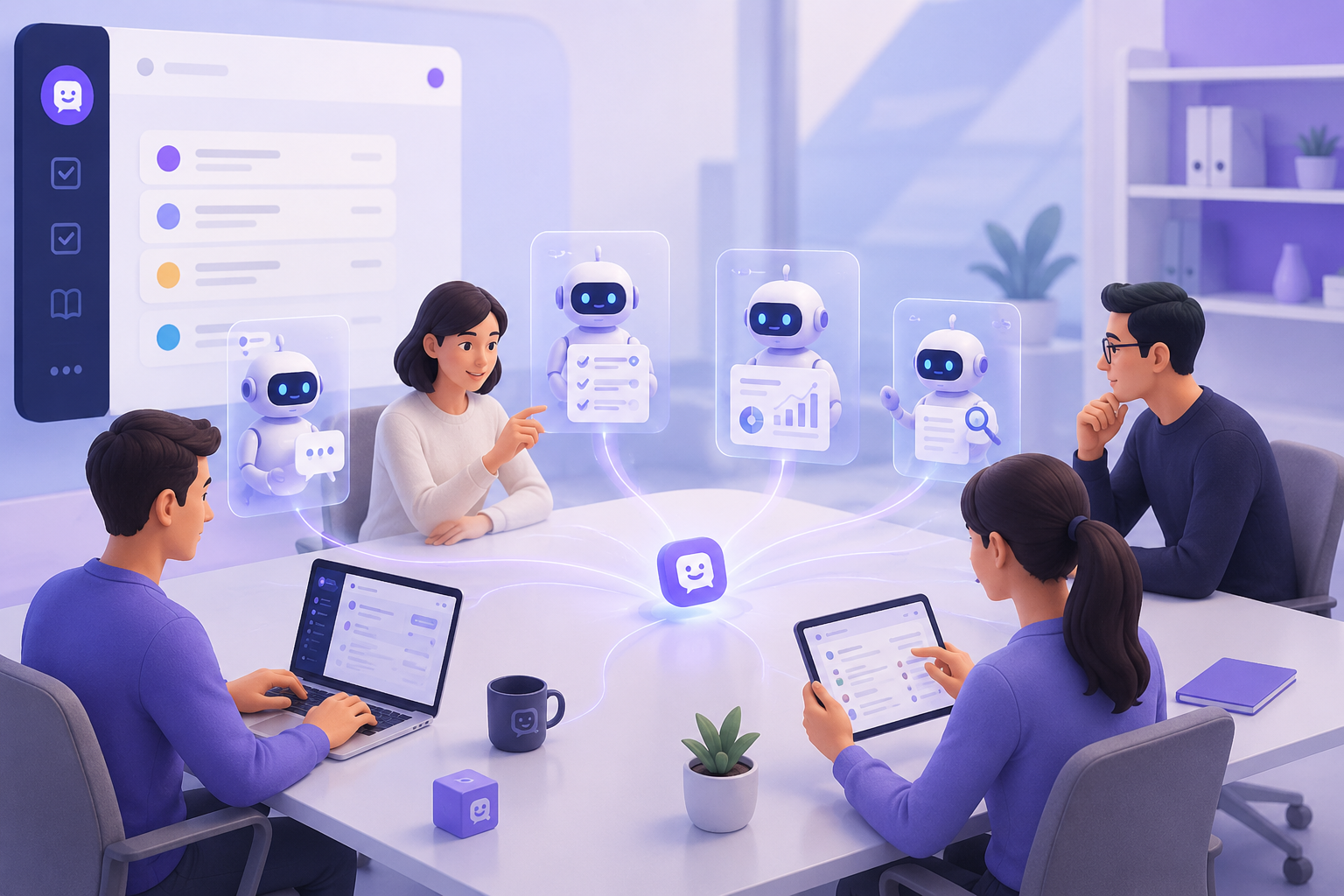
Task management software helps businesses assign work, set deadlines, and track progress in a shared system. However, as AI begins to participate directly in work execution, businesses need more than visibility into “who is doing what.” They also need to connect conversations, documents, data, workflows, and AI Agents.
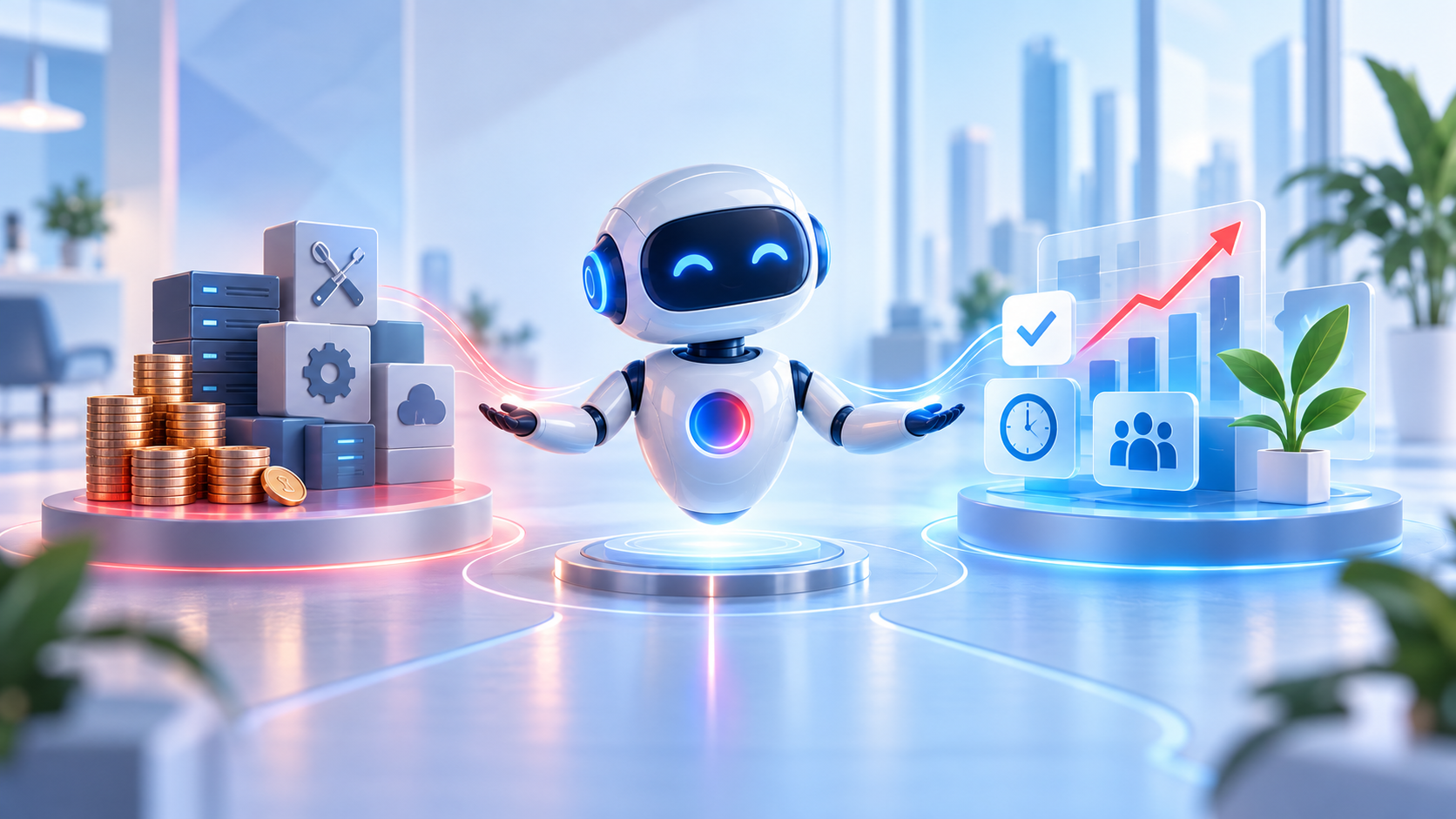
This is where an AI Workspace begins to differ from traditional task management software. While task management software focuses on organizing tasks, an AI Workspace is designed as an environment where humans and AI can communicate, perform, and complete work together.
What Is Task Management Software?
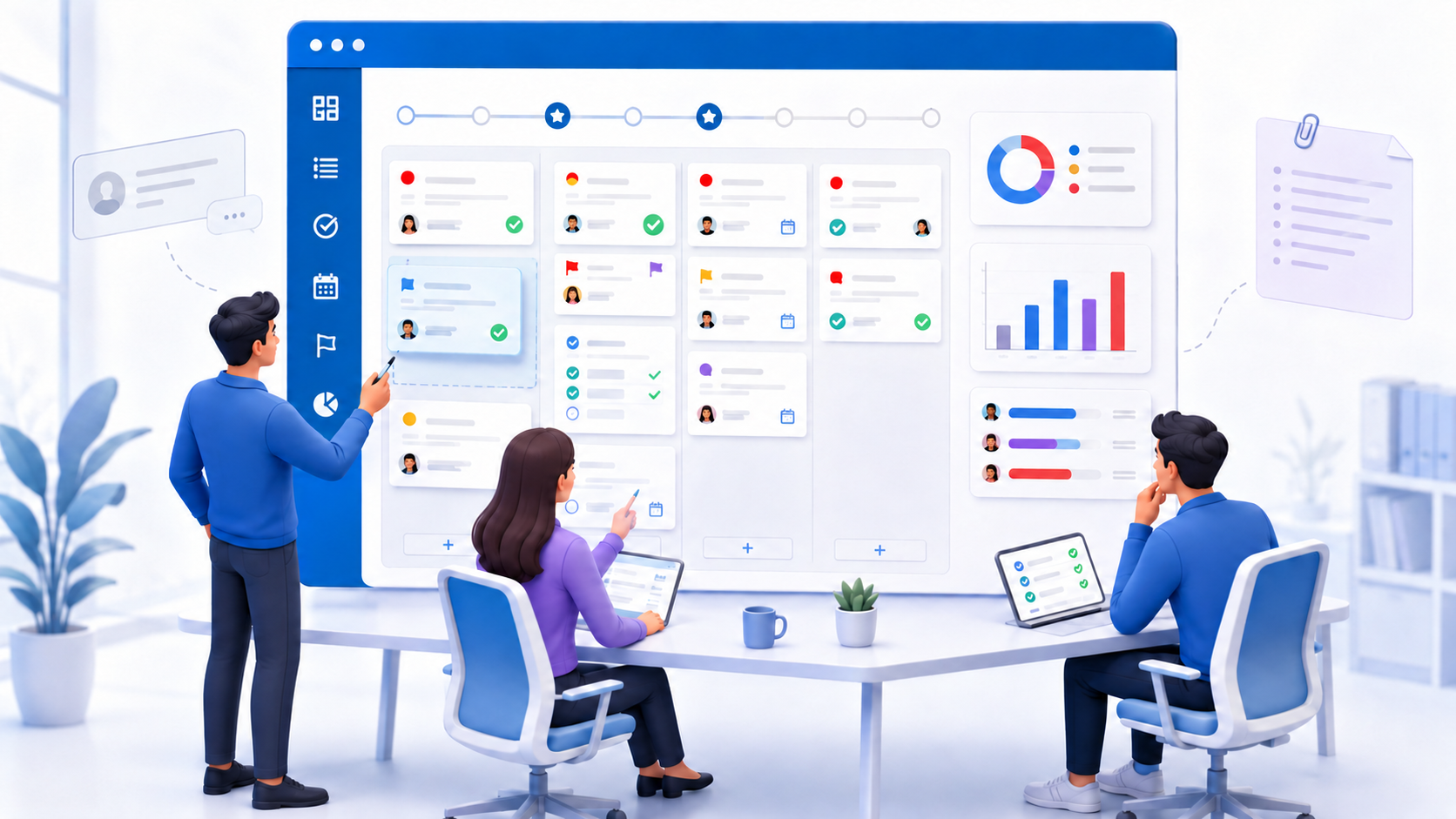
Task management software is a tool that helps businesses centralize tasks, assignees, deadlines, and execution statuses in a shared system. Instead of assigning work through messages and tracking it in Excel, teams can create tasks, update progress, and manage work on the same platform.
Task management software helps organize, prioritize, and track work while keeping responsibilities and completion deadlines in one place. These platforms typically provide features such as:
-
Creating and assigning tasks
-
Setting deadlines and priority levels
-
Managing checklists and subtasks
-
Tracking execution statuses
-
Managing projects and milestones
-
Displaying work as lists, boards, calendars, or timelines
-
Consolidating dashboards and progress reports
As a result, managers can see which stage each task has reached, who is responsible, and which assignments are at risk of missing their deadlines.
However, the software can only provide complete visibility when tasks have been created and the relevant data has been updated. If a request remains in a group chat, a decision is recorded only in a meeting, or an employee has not updated a task’s status, the system may not accurately reflect the actual situation.
What Is an AI Workspace?
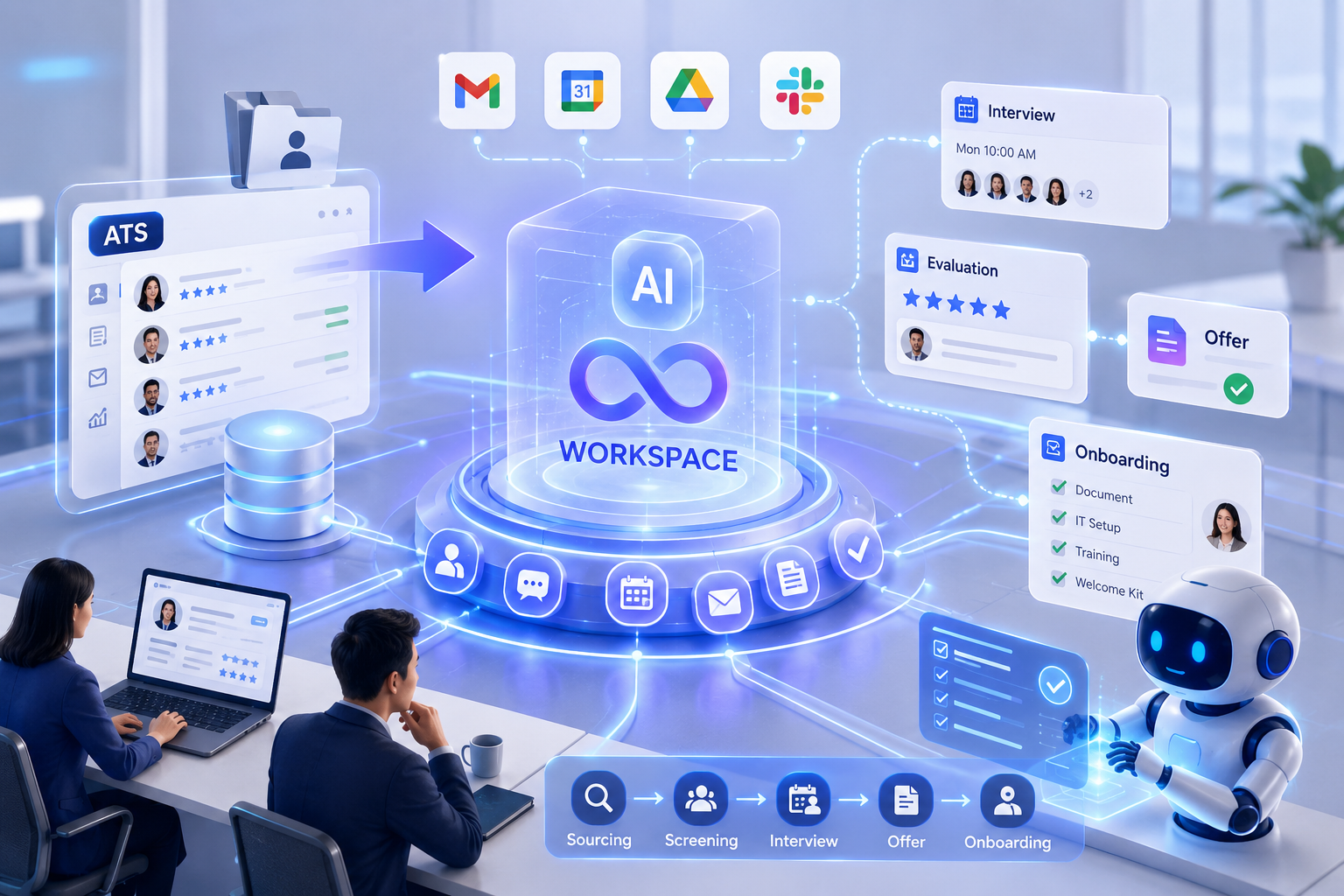
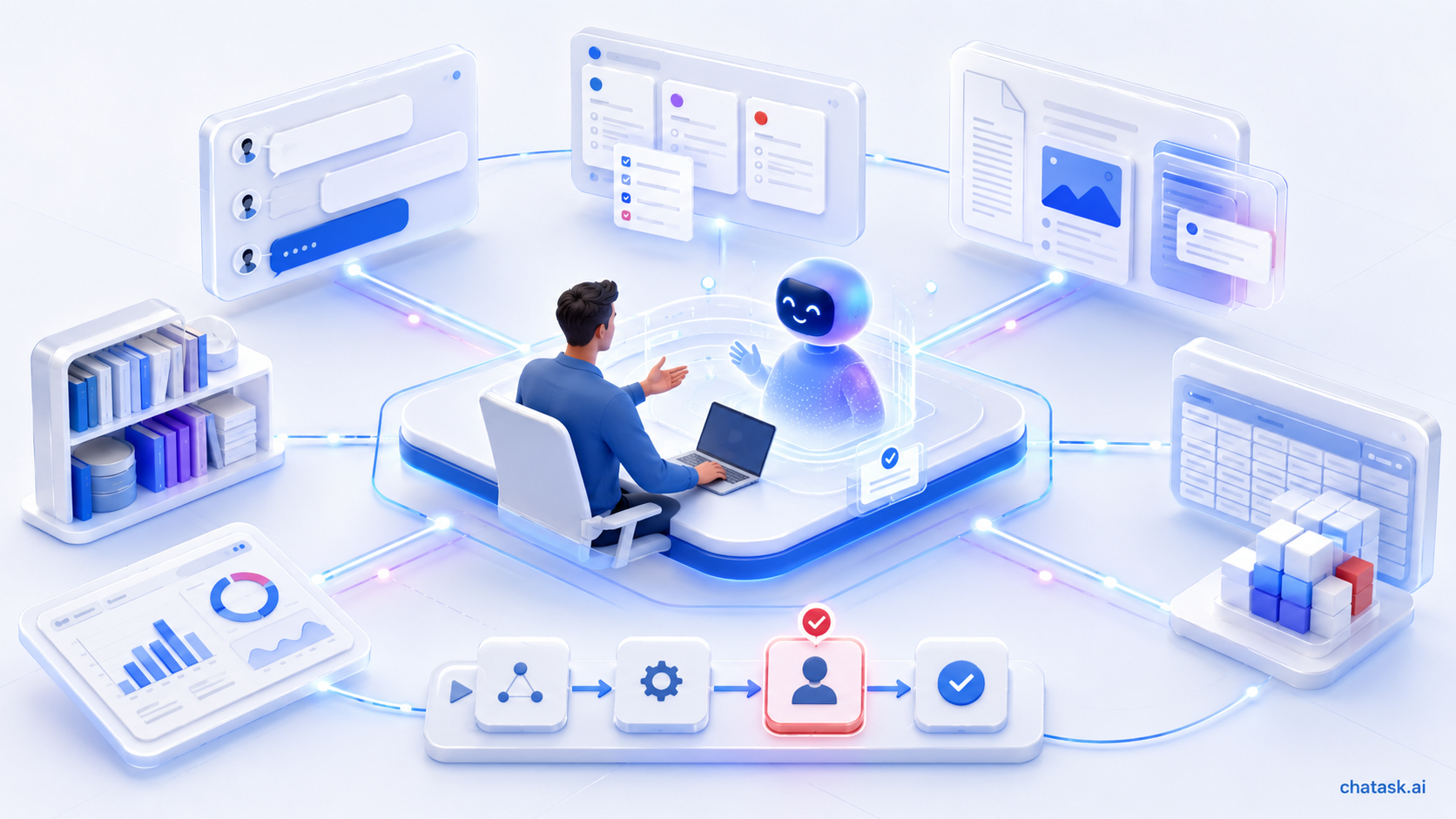
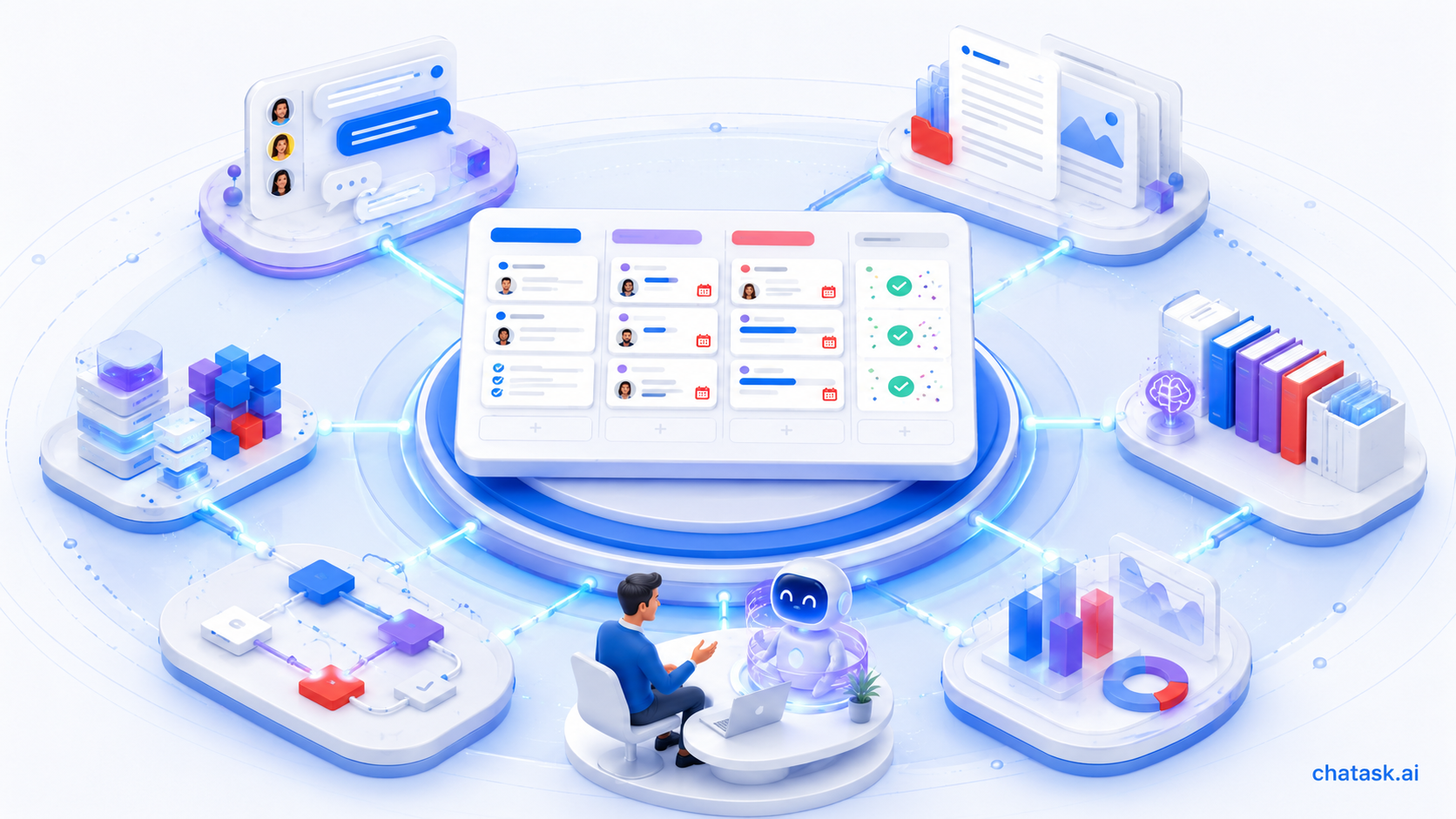
An AI Workspace is a digital work environment that connects people, conversations, tasks, documents, data, workflows, and AI Agents on a single platform. AI does not appear merely as a separate question-and-answer tool. Instead, it is embedded directly into the environment where work arises and is carried out.
Within an AI Workspace, users can communicate, assign work, search documents, track progress, and interact with AI in the same workflow. Using authorized context, AI can answer questions, synthesize information, identify action items, or support the execution of certain workflow steps.
Microsoft describes the workplace intelligence layer as a connection between data, context, and tools that enables Copilot and agents to understand users, their work, and their organizations. Slack similarly argues that an operating system for agents needs to connect AI Agents with data and applications while maintaining human control over the outcomes.
Therefore, an AI Workspace does more than add AI to a few existing features. It changes how people, data, and AI collaborate to move work from the initial request to the final result.
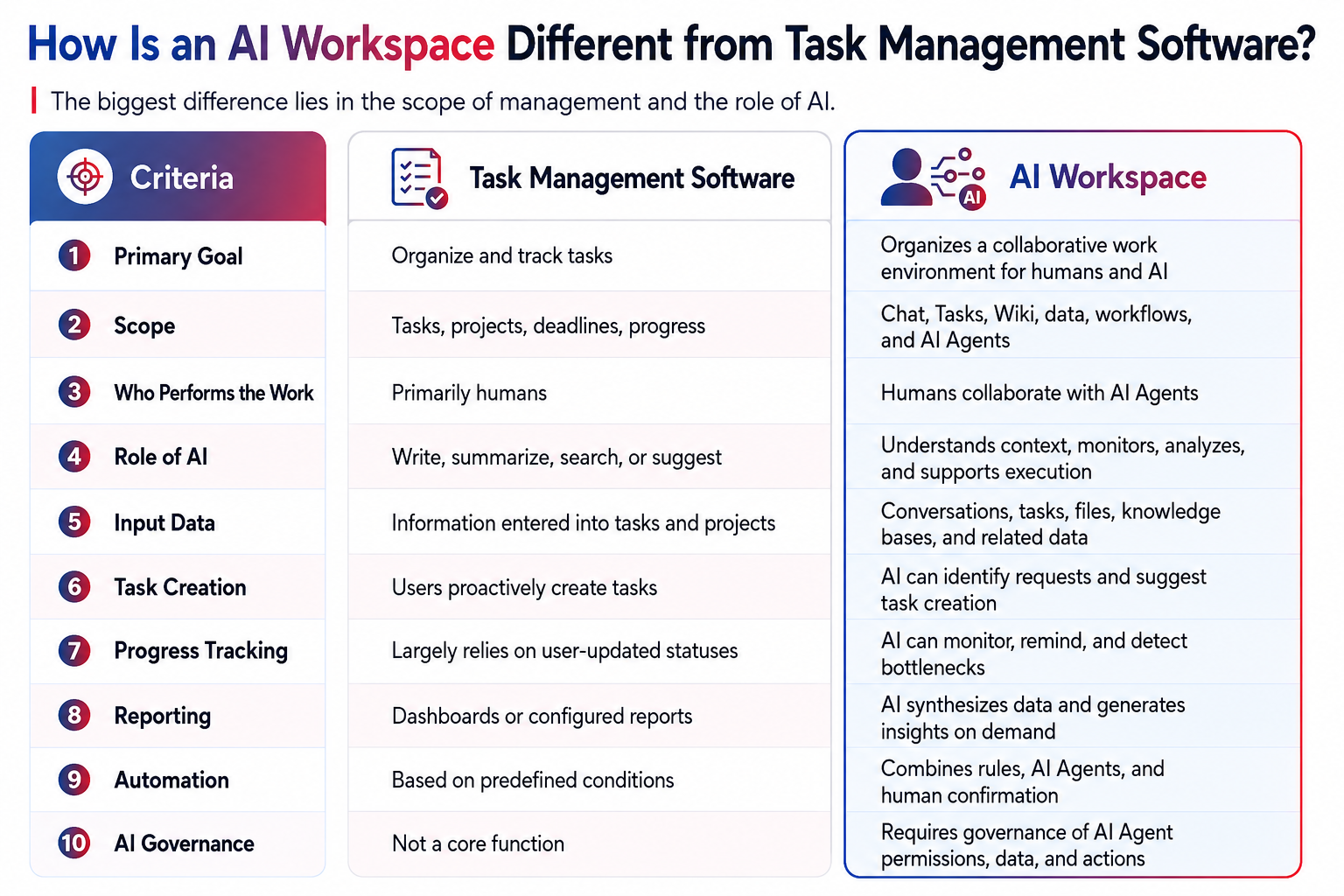
How Is an AI Workspace Different from Task Management Software?
1. From Managing Tasks to Connecting the Full Context of Work
Task management software is typically task-centric. Each task has a title, an assignee, a deadline, a status, and other related information.
In practice, however, work does not always begin with a task creation form. It may arise from a customer message, a newly shared file, a conclusion reached during a meeting, or a discussion involving multiple departments.
An AI Workspace connects these contextual sources to tasks. When information is no longer fragmented across conversations, documents, and task management systems, AI has a stronger foundation for supporting users.
2. From AI Assistance to AI Participation in Work Execution
Many task management platforms now offer AI capabilities such as writing task descriptions, summarizing projects, suggesting priorities, or searching for information. Therefore, the mere presence of AI is not enough to distinguish task management software from an AI Workspace.
AI task management can automate task creation, scheduling, prioritization, and tracking. This is an important advancement, but an AI Workspace goes further by enabling AI Agents to participate throughout the workflow.
An AI Agent can be assigned a specific role, such as tracking progress, processing documents, retrieving knowledge, compiling reports, or supporting recruitment. Depending on the permissions granted, an agent can analyze data, recommend actions, create tasks, or transfer results to the responsible person for confirmation.
3. From Manually Entered Data to Data Updated from Actual Work
In task management software, reporting quality depends heavily on users keeping tasks up to date. If statuses are not changed or new information appears only in conversations, the dashboard may not fully reflect actual progress.
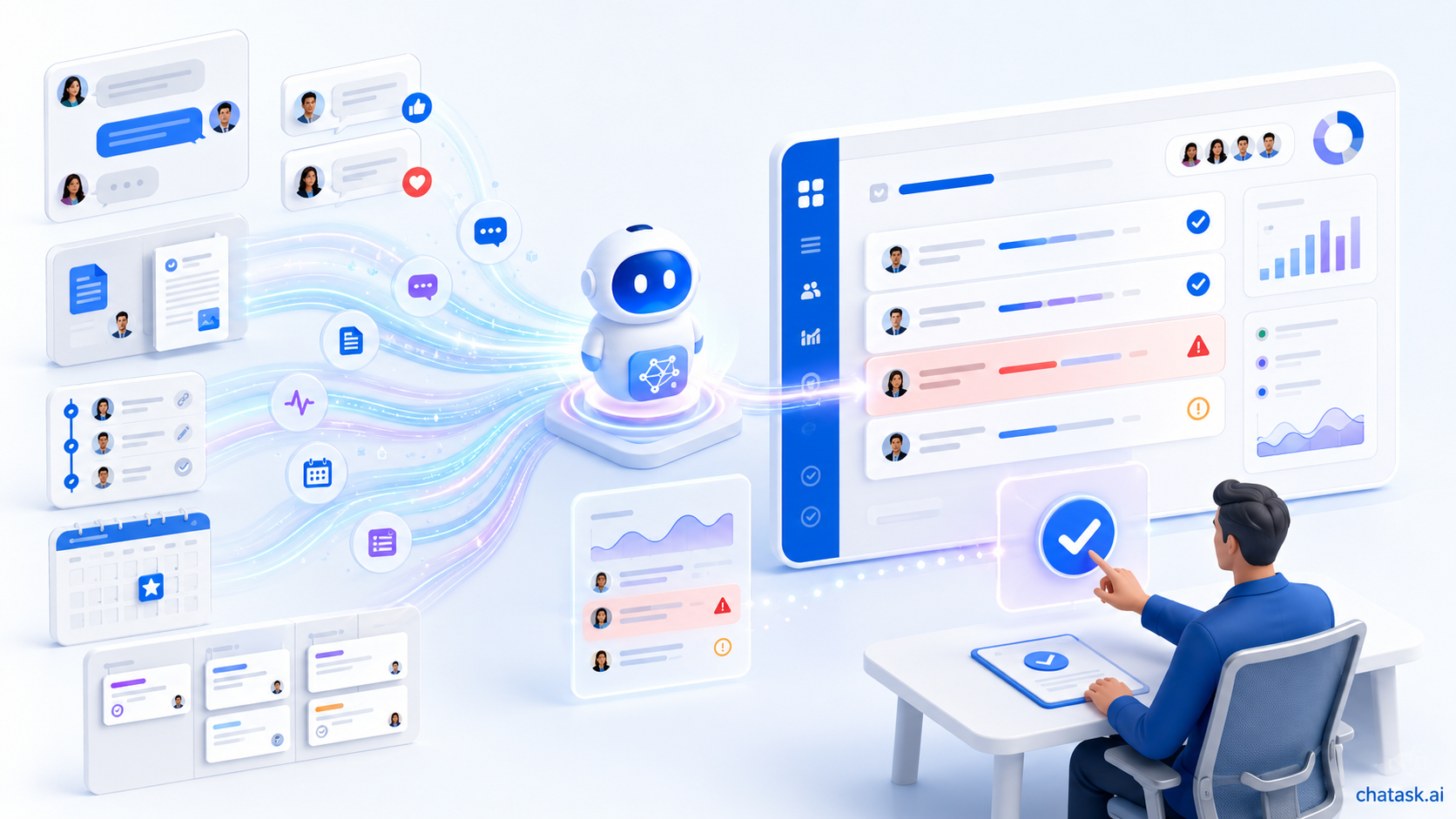
An AI Workspace can monitor data from multiple relevant sources. AI does not only read task statuses; it can also analyze conversations, comments, documents, and activity milestones to identify work that is falling behind or has no next action.
This does not mean that AI makes every decision independently. For important actions, the system must still allow people to review, confirm, or approve the action before proceeding.
4. From Fixed Dashboards to Question-Based Reporting
Task management dashboards usually display preconfigured metrics such as the number of completed tasks, overdue work, or each team member’s workload. This provides a visual way to monitor the overall situation.
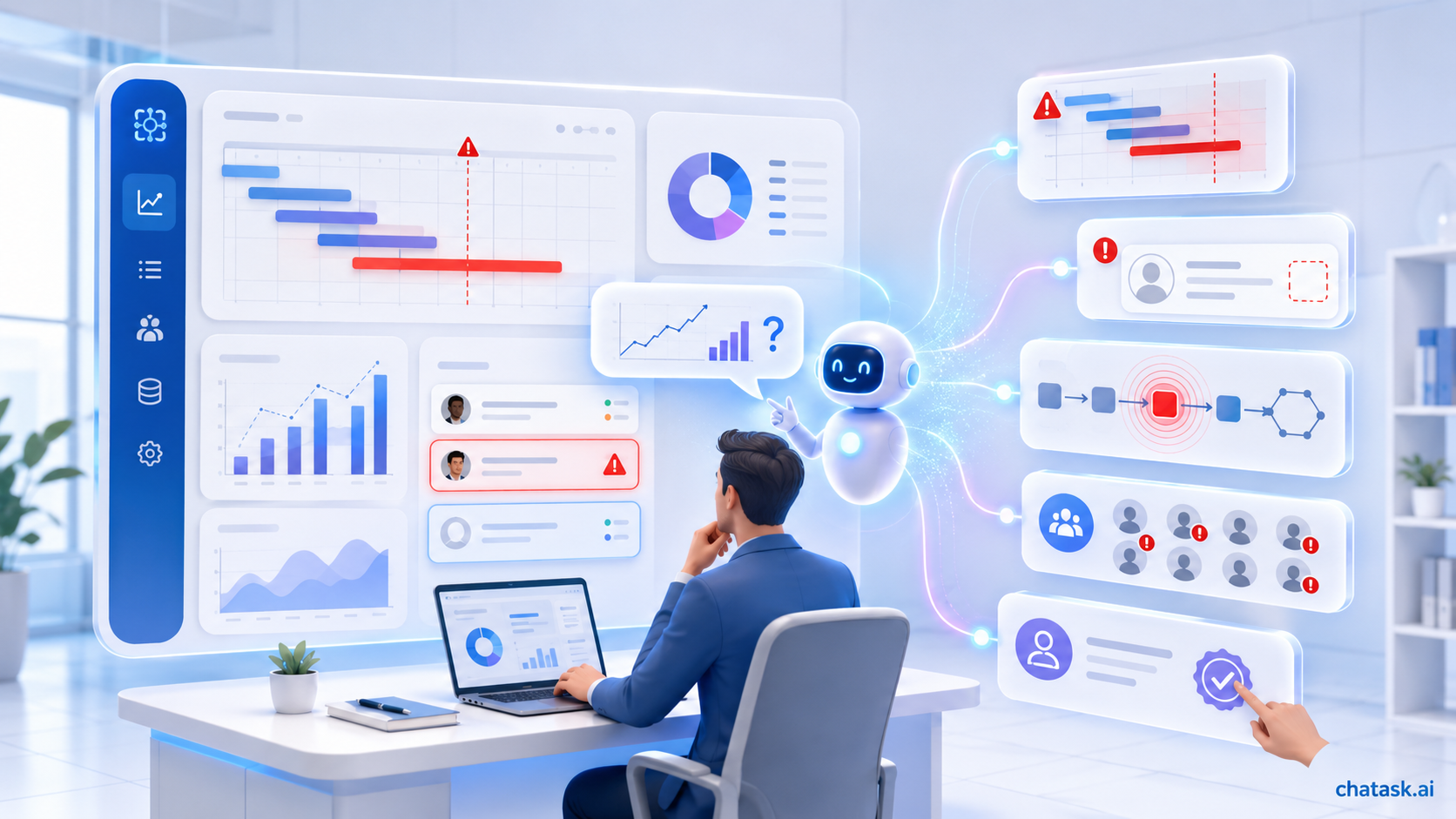
In an AI Workspace, managers can also ask direct questions such as:
-
Which projects are at risk of falling behind schedule?
-
Which tasks do not yet have an assignee?
-
What are the team’s main blockers this week?
-
Which department has the largest number of overdue tasks?
-
Which items require management approval?
Instead of presenting numbers alone, AI can synthesize relevant data and explain the underlying causes. Reporting therefore shifts from describing the current status to helping managers identify problems and make decisions.
5. From Workforce Management to Human + AI Team Collaboration
Task management software is primarily designed to assign tasks to people. An AI Workspace expands this model by allowing certain assignments to be delegated to AI Agents or completed through collaboration between humans and AI.
For example, an employee may be responsible for approving the final result, while an AI Agent handles document reading, data extraction, information verification, and initial report generation. Managers need to know not only which employees are working but also which agents are involved, what data they can access, and which actions they are permitted to perform.
AI Agents therefore need to be managed as organizational resources. Each agent must have a clearly defined responsibility, data scope, level of authority, and point of handoff to a human.
An Example of the Same Workflow on Two Types of Platforms
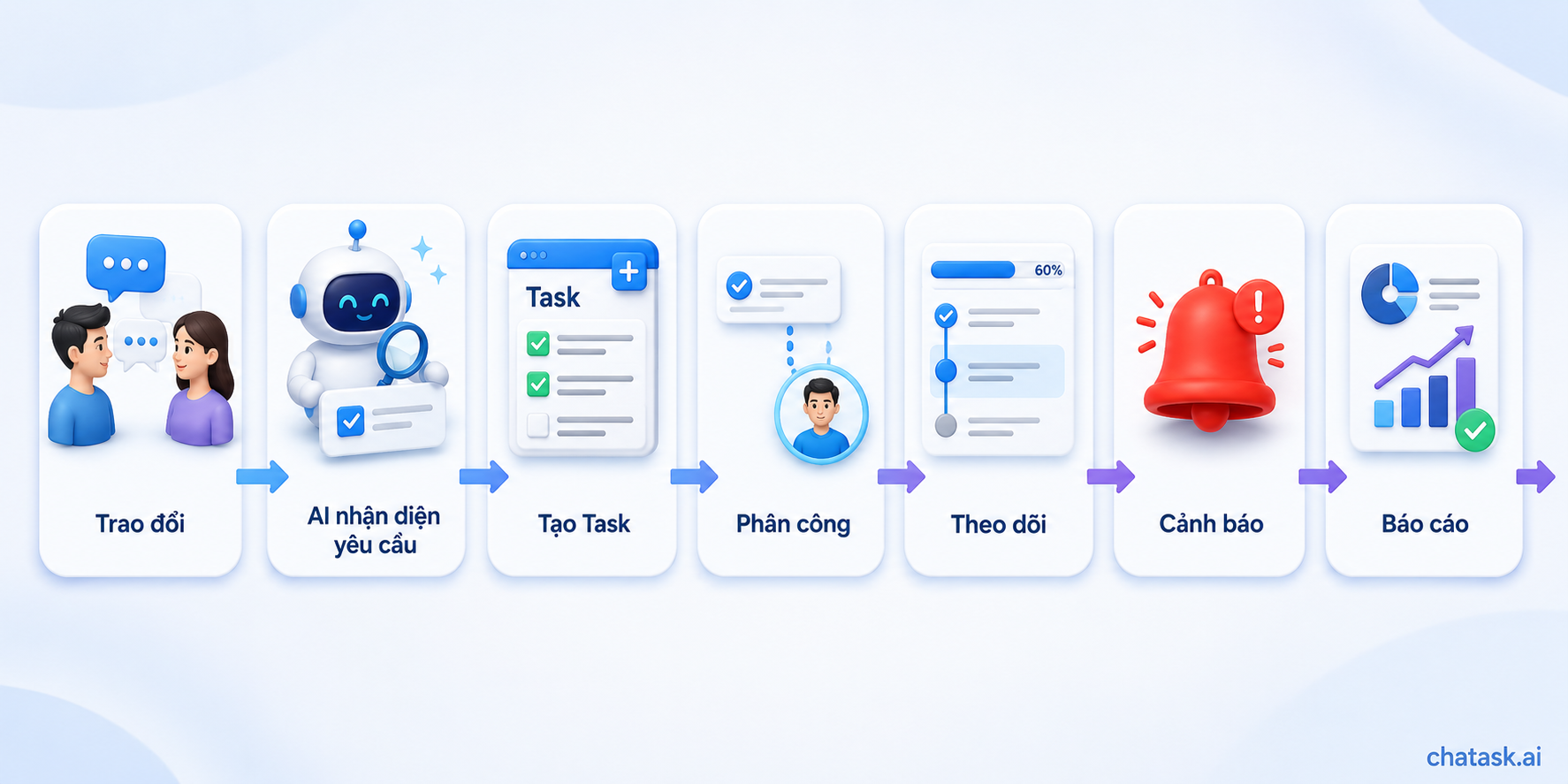
Suppose a manager sends the following message in a group chat: “Hải, please prepare the project progress report and send it before 4:00 p.m. on Friday.”
With task management software, a team member needs to read the message, open the system, create a task, enter the details, select the assignee, and set the deadline. Hải updates the status as the work progresses. At the end of the week, the manager opens the dashboard or requests a report summary.
With an AI Workspace, AI can recognize the message as a work request and suggest creating a task for Hải with the corresponding deadline. Once the user confirms it, AI can track progress, send reminders as the deadline approaches, and assist in compiling the report using project data.
The workflow may proceed as follows:
Conversation → AI identifies the request → Task creation → Assignment → Tracking → Alert → Report
The difference is not simply that tasks can be created more quickly. An AI Workspace reduces the transitional steps between communication, assignment, execution, review, and reporting.
Is Task Management Software with AI Considered an AI Workspace?
Not every platform with AI features is an AI Workspace. A tool may use AI to write content or summarize tasks while still operating primarily as a project management system.
To determine whether a platform is moving closer to an AI Workspace, businesses can ask three questions:
-
Can AI understand context from conversations, tasks, documents, and related data?
-
Does AI only generate content, or can it participate in executing workflow steps?
-
Can the business manage the permissions, operational scope, and processing history of AI Agents?
If AI appears only as an additional feature, the platform remains primarily task management software with AI. If AI is connected to data, participates in workflows, and regularly collaborates with people, the platform is developing according to the AI Workspace model.
Does an AI Workspace Replace Task Management Software?
An AI Workspace does not eliminate task management capabilities. Tasks remain important units for defining work, responsibilities, deadlines, and expected results.
The difference is that tasks no longer exist in isolation. They are connected to the conversations where requests originate, the documents that provide information, the workflows that coordinate processing steps, and the AI Agents that support execution.
Task management software can therefore be understood as a component of an AI Workspace. An AI Workspace retains task organization capabilities while adding layers for collaboration, knowledge, data, and AI resources.
When Does a Business Only Need Task Management Software?
Task management software remains a suitable choice when a business primarily needs to assign work, set deadlines, and track progress. It also works well when workflows are relatively simple, data is centralized, and the team does not yet need to deploy AI Agents.
Businesses do not necessarily need to switch to an AI Workspace simply to follow a trend. The chosen platform must align with how the team works and the actual problems it needs to solve.
When Should a Business Consider an AI Workspace?
Businesses should consider an AI Workspace when work primarily arises from chats, files, and daily conversations. It is also suitable when employees must manually transfer information between multiple tools or spend significant time updating statuses and compiling reports.
The need becomes clearer when a business wants to build AI Agents for specific functions such as recruitment, document processing, procurement, knowledge management, or project reporting. In this situation, the organization needs an environment that does not merely contain AI but connects it with the right data, work, and responsible people.
How Does ChaTask Connect Chat, Tasks, Wiki, and AI Agents?
ChaTask is developed according to the AI Workspace model, connecting Chat, Tasks, Wiki, and AI Agents in a shared work environment. Work can be created, performed, and tracked within the context where it arises, instead of requiring users to switch continuously between applications.
Task Assistant can help track progress and send reminders. Report Agent consolidates work data into reports, while Wiki provides a knowledge source that AI can search to deliver well-grounded answers.
Businesses can also build AI Agents for their own specialized operations. People remain responsible for setting objectives, reviewing results, and making decisions, while AI handles appropriate steps within its authorized scope.
With ChaTask, task management software does not disappear. Tasks remain the core units of execution, but they are placed within an AI Workspace where conversations, knowledge, people, and AI Agents work together to bring assignments to completion.
Conclusion
AI Workspaces and task management software are not entirely opposing choices. Task management software focuses on organizing and tracking tasks, while an AI Workspace expands that environment by connecting conversations, data, knowledge, workflows, and AI Agents.
If a business only needs to know who is doing what and when the work must be completed, task management software may be sufficient. However, if the goal is to enable people and AI to participate together in executing, tracking, and completing work, the business needs to move toward an AI Workspace.