When people think about AI in the workplace, many still imagine a chatbot. A user asks a question, AI provides an answer, and the conversation ends there. This is how most AI tools operate today, but it does not fully reflect how work actually happens in a business environment.
In reality, work is not driven by isolated questions and answers. Every project involves multiple activities happening simultaneously, including collaboration, progress tracking, issue resolution, result reviews, and decision-making. If AI is to become part of everyday operations, it needs to participate in these activities rather than simply serving as a question-and-answer tool.
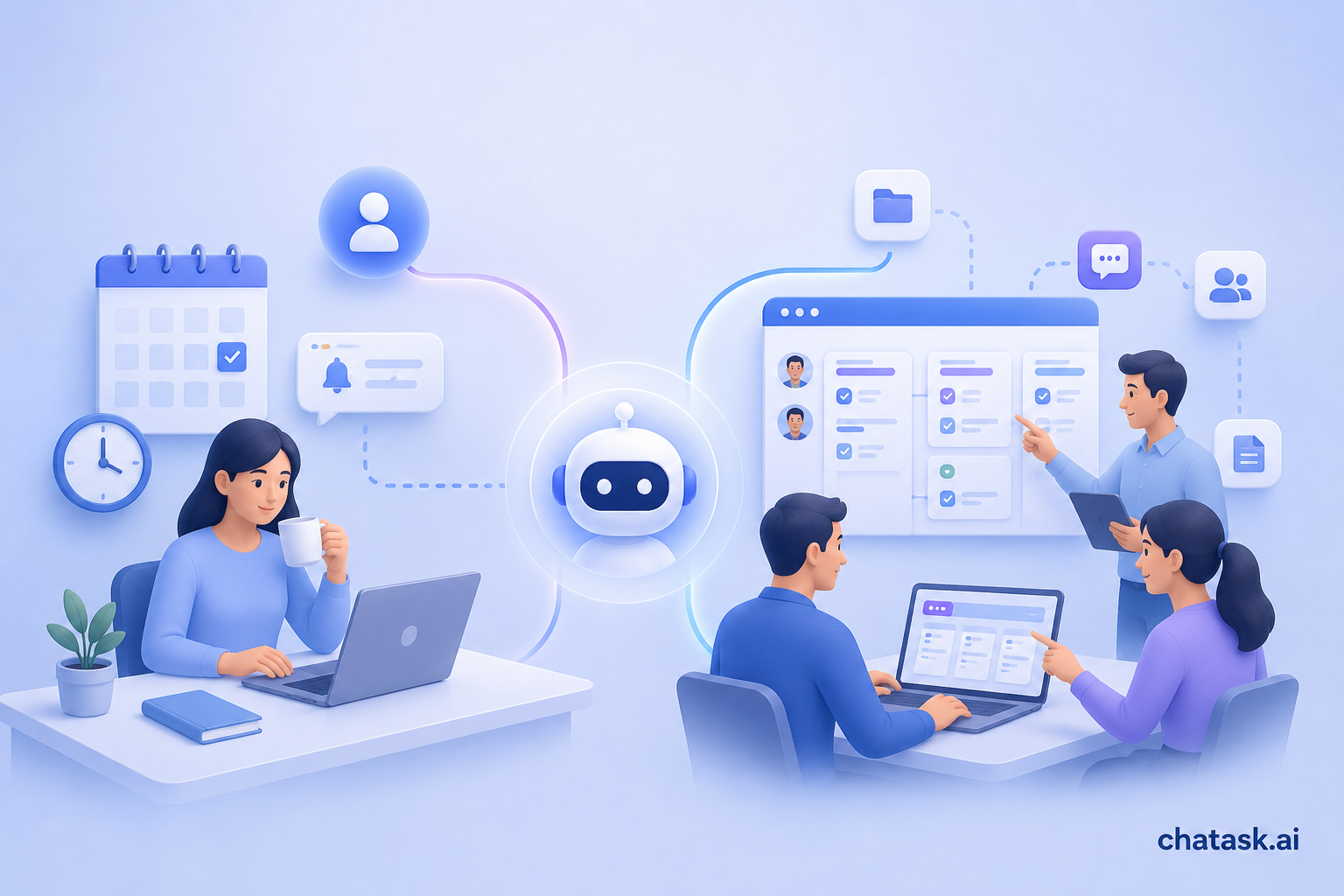
This is why the concept of the AI Workspace is beginning to emerge. An AI Workspace is not merely a platform with AI integrated into it. It is a working environment where people, data, and AI Agents collaborate as part of the operational workflow. Within this model, Widgets serve as the interface layer that connects all of these elements together.
An AI Workspace Is More Than Chat with AI Added
Many platforms today integrate AI by adding a chat window or a question-and-answer feature. While this approach makes AI more accessible, it does not solve the biggest challenge businesses face: ensuring that AI appears exactly where work is happening.
The value of AI does not lie in how many questions it can answer. Its value lies in helping teams track work more effectively, identify issues earlier, and make decisions faster. To achieve this, AI must be embedded directly into the flow of work rather than existing as a separate tool.
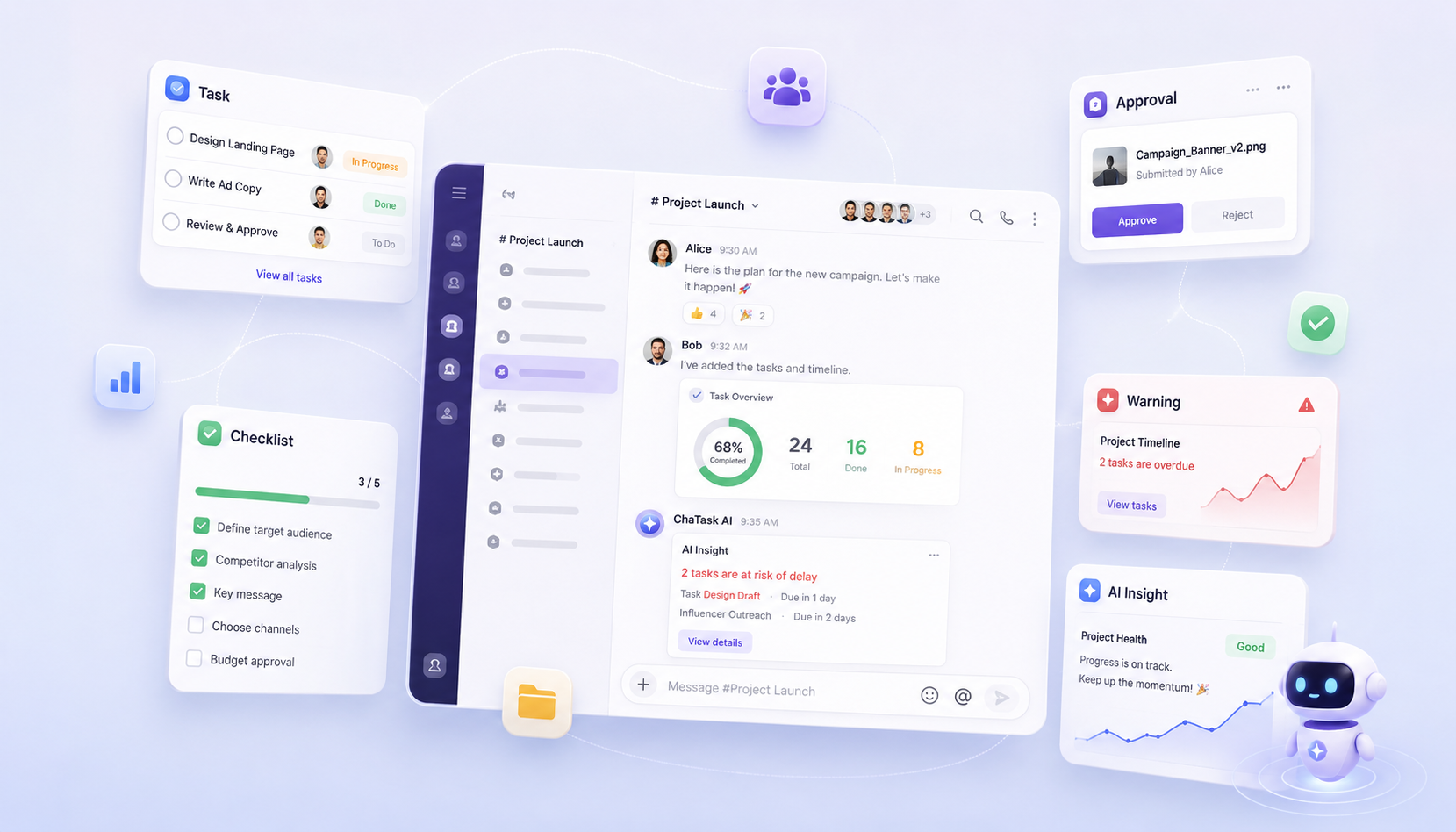
At ChaTask, Widgets are where AI and work come together. Instead of requiring users to switch between multiple screens, information, data, and AI Agents appear directly within the shared workspace.
Work Needs Continuous Visibility
One of the most common questions in any project is: “Where does the work stand right now?” In many organizations, answering that question requires opening a project management tool, searching for related tasks, and gathering information from multiple sources.
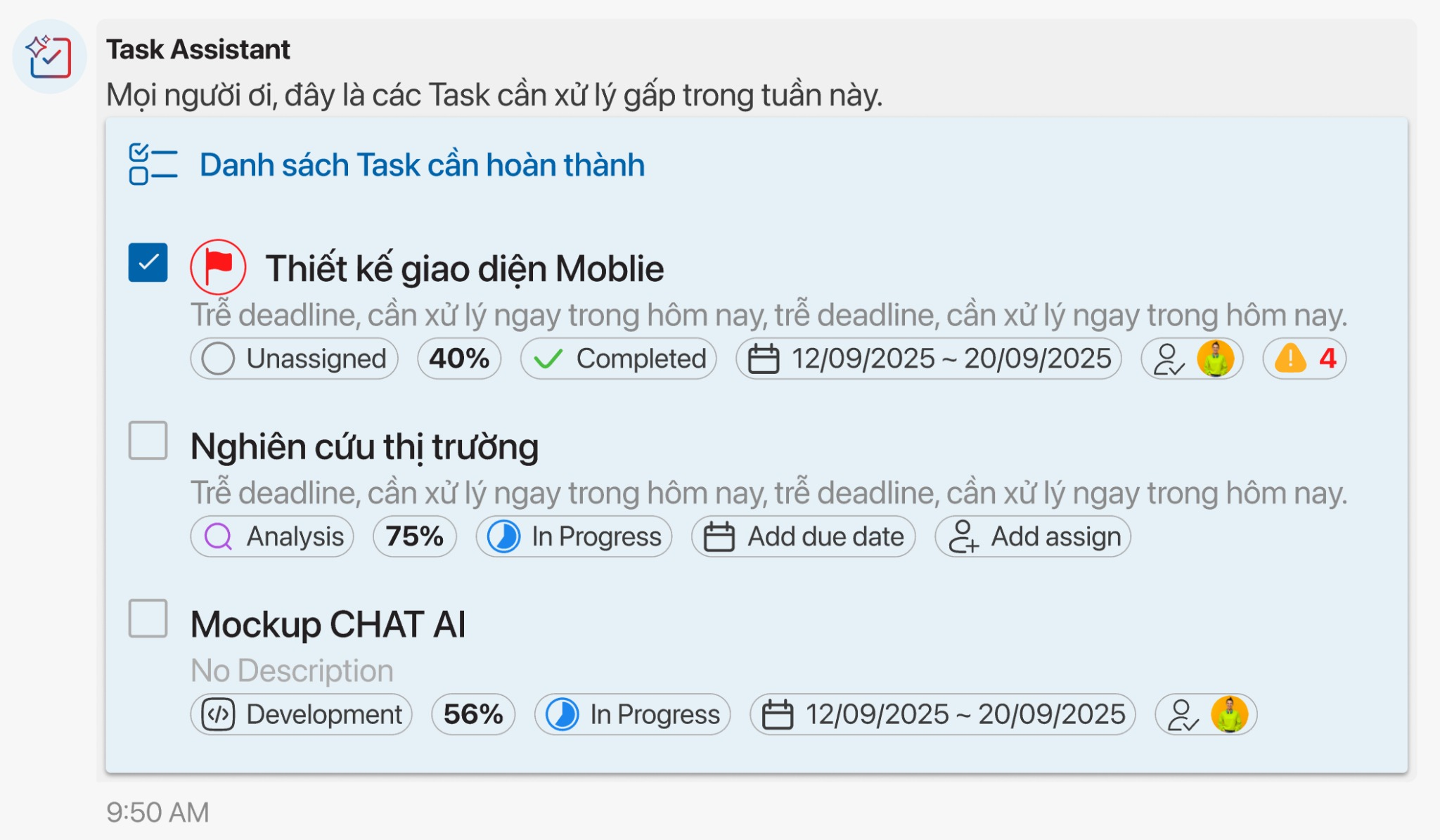
In an AI Workspace, work status is no longer isolated in a separate system. Through Task Widgets, progress is updated directly within the workflow and always reflects the latest state of the project. When a task is completed, when a deadline changes, or when priorities are adjusted, those updates become immediately visible.
The true value is not that Widgets display more data. The real value is that data appears exactly where teams are collaborating, ensuring that everyone works within the same context and relies on the same source of information.
Process and Performance Must Go Hand in Hand
Many types of work cannot be measured solely by whether they are “in progress” or “completed.” A marketing campaign, a software implementation project, or an employee onboarding process all involve multiple stages, and each stage plays an important role in the final outcome.
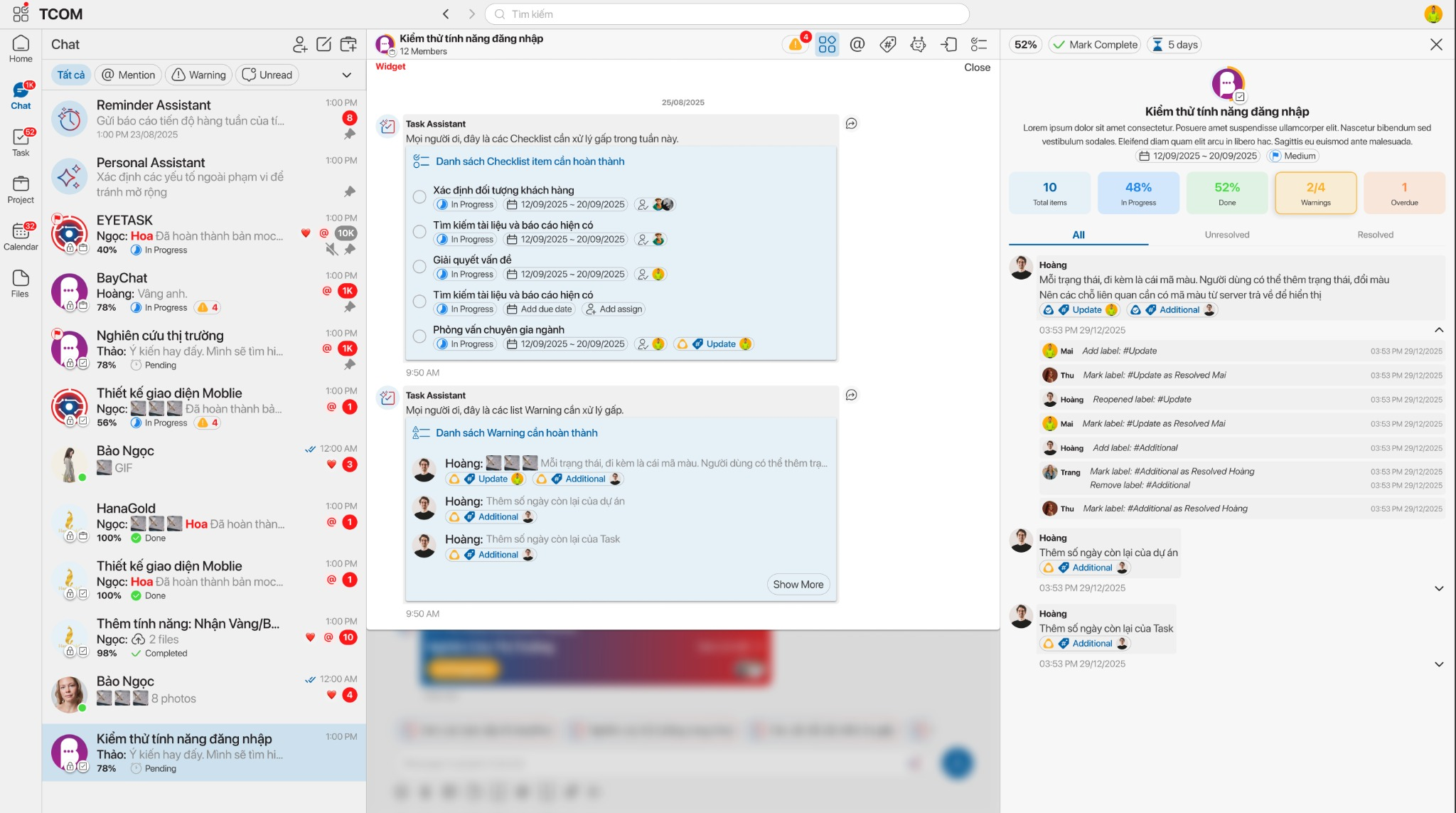
Checklist Widgets are designed to help AI Workspaces understand and manage these processes. Instead of seeing only a large task, teams can track each individual step, understand what has been completed, identify delays, and determine which actions require attention.
When processes are clearly visible, collaboration becomes easier. At the same time, AI Agents gain more context to understand the true state of work rather than relying solely on a simple completion metric.
Seeing Problems Before They Become Incidents
Most business issues do not appear suddenly. They often begin with small signals, such as a task being repeatedly delayed, a workstream falling behind schedule, or a project showing signs of resource bottlenecks.
In information-heavy work environments, these signals can easily be overlooked. People often notice problems only after they have already affected project timelines or business outcomes.
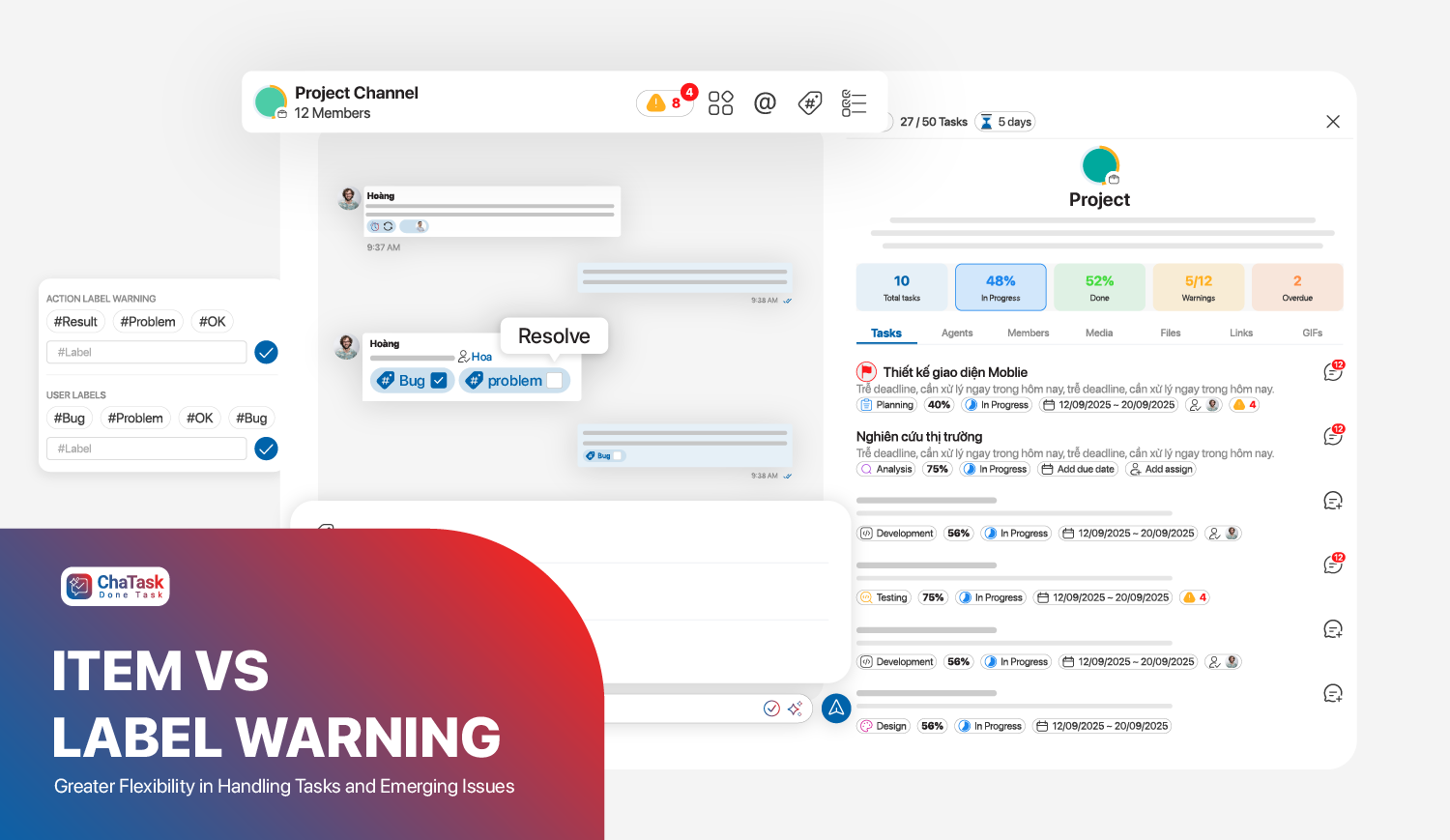
Warning Widgets are designed to bring those signals to the surface. Instead of allowing risks to disappear within hundreds of conversations, the system highlights critical warnings directly within the team's workflow. This helps organizations move from reactive management to a more proactive approach.
Not Every Completed Task Is Ready to Be Closed
In many organizations, an employee finishing their work does not necessarily mean the work is truly complete. A design may require client approval. A report may need confirmation from a department manager. A piece of content may require review before publication.
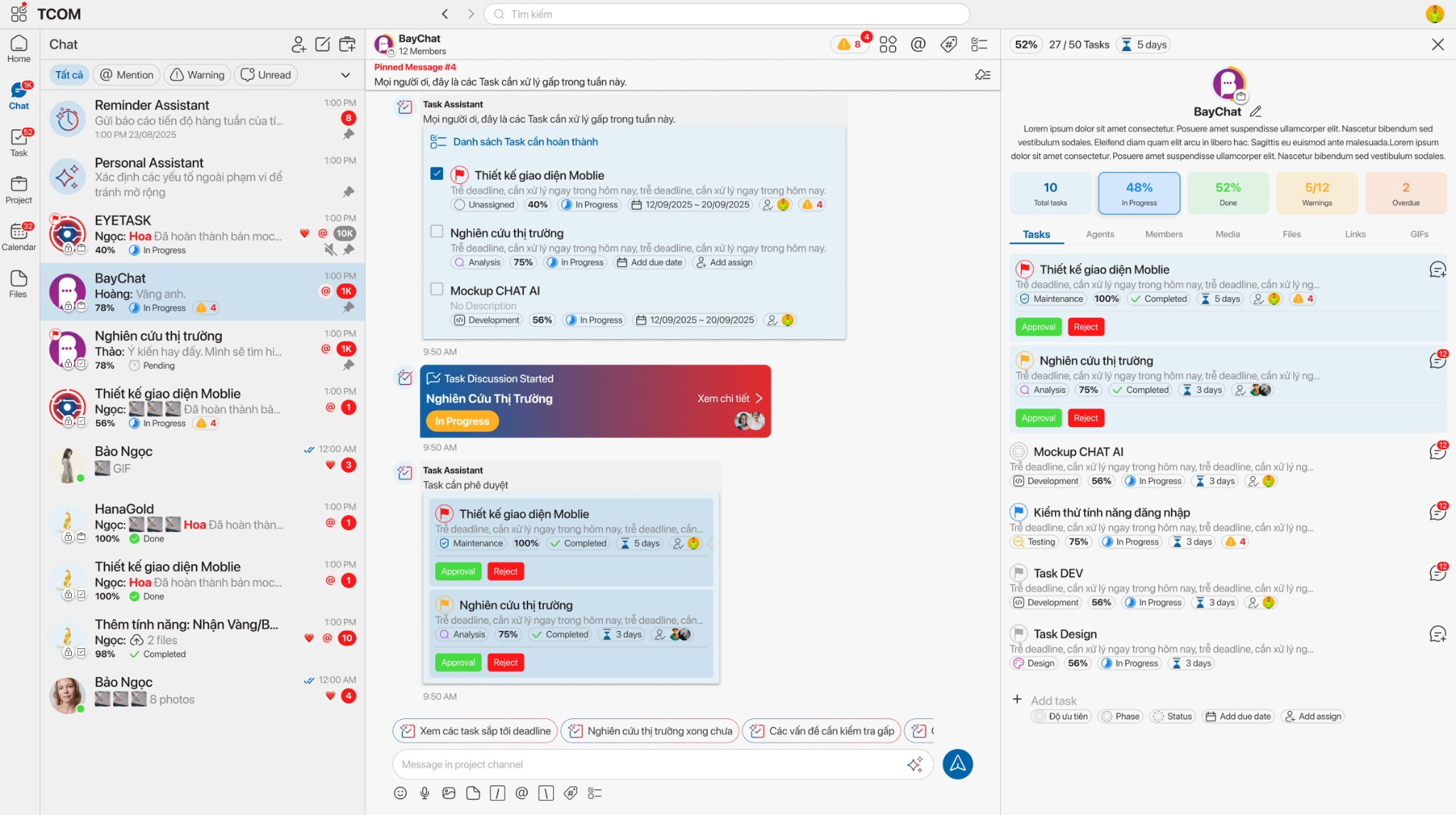
This is why Approval Widgets are an important part of an AI Workspace. Rather than relying on email chains or scattered conversations, all approval requests are consolidated within a single workflow.
Managers can quickly review results, approve deliverables, or request revisions without leaving the current work context. This not only accelerates execution but also improves transparency and quality control.
AI Moves from Reactive Responses to Proactive Analysis
One of the biggest differences between an AI Workspace and traditional work management platforms is AI’s ability to continuously observe and analyze operations. A manager may be able to oversee dozens of tasks, but it becomes increasingly difficult to monitor hundreds or thousands of activities simultaneously.
AI Agents do not face the same limitations. They can continuously analyze operational data, track project progress, identify bottlenecks, and detect unusual patterns as soon as they emerge.
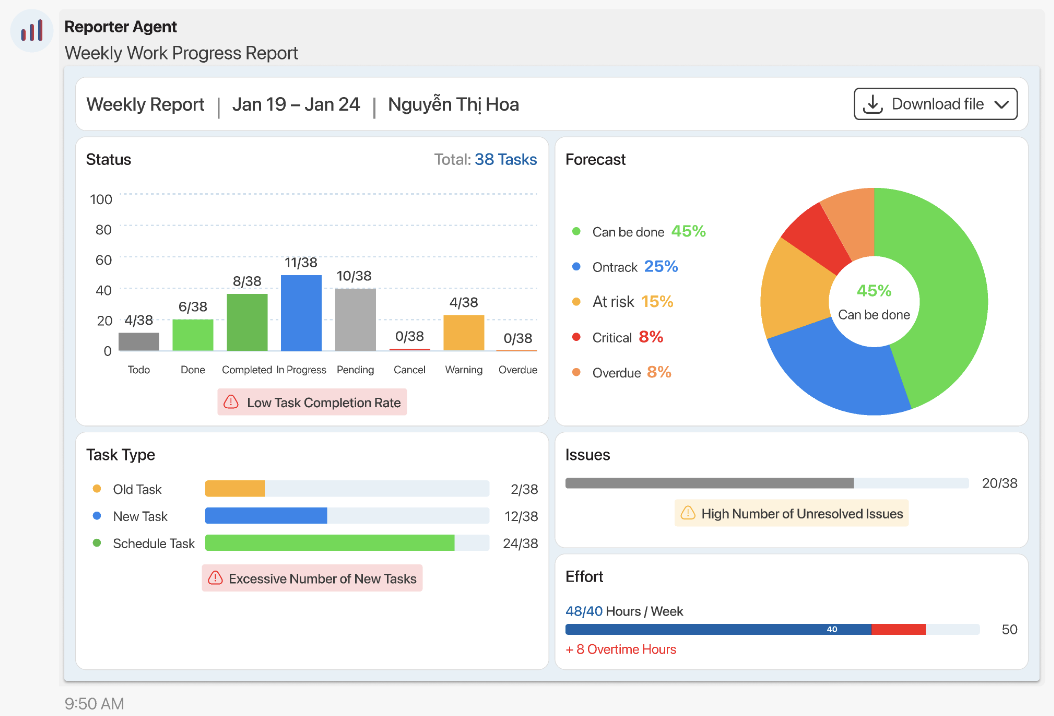
These insights are presented through AI Insight Widgets. Instead of waiting for weekly or monthly reports, teams gain access to real-time perspectives on what is happening across their operations. AI is no longer limited to answering questions-it actively observes, analyzes, and supports decision-making throughout the workflow.
Widgets Are the Bridge Between People and AI Agents
When people look at Widgets, they often see them as a user interface component. In an AI Workspace, however, Widgets serve a much larger purpose. They are the primary way AI Agents communicate with people and participate directly in everyday work.
Instead of sending long paragraphs or difficult-to-follow reports, AI can present information through structured, visual Widgets that are tightly connected to the work context. As a result, users not only receive information but can immediately take action based on it.
Task Widgets, Checklist Widgets, Warning Widgets, Approval Widgets, and AI Insight Widgets do not operate independently. Together, they form a new operational layer within the AI Workspace, where work, data, and AI Agents remain connected within the same context.
This is how ChaTask brings its vision of a next-generation work environment to life—one where AI does not simply answer questions but actively participates in operations alongside the team.
Work in Chat. Human + AI Agents, All in One Chat.